Best Personal Finance Software in 2026: 9 Options Compared
By ToolNimba Editorial Team October 25, 2026 11 min read How we test

- Top pick
 Monarch
all-in-one budgeting and tracking
Starting price$14.99 per monthCheck out MonarchRead our review - Runner-up
 YNAB
learning to give every dollar a job
Starting price$14.99 per monthCheck out YNABRead our review - Also great
 Quicken Simplifi
low-cost budgeting with a spending plan
Starting price$3.99 per month (billed annually)Check out Quicken SimplifiRead our review
How we researched this
We compared official pricing and feature pages, app store listings, privacy policies and public user reviews. Prices change, so check the provider's site before you pay.
Key takeaways
- Monarch ($14.99 per month or $99.99 per year) and YNAB ($14.99 per month or $109 per year) are the two full-price leaders, and they suit different habits: Monarch tracks everything, YNAB teaches a budgeting method.
- Quicken Simplifi lists a $3.99 per month first-year offer for new members, which makes it the cheapest full-featured paid option here, but the page notes it is built for the U.S. and Canada only.
- Empower and Actual Budget cost nothing to start, though Empower's real business is a paid investment advisory service with high minimums.
- Rocket Money's free plan covers basic tracking, but its Premium price is a "pay what you think is fair" slider, so you do not see a fixed rate up front.
- This is general information, not financial advice, and every app here asks you to link bank accounts, so read each privacy policy first.
Quick comparison
| Name | Best for | Starting price | Free plan | |
|---|---|---|---|---|
| Monarch | all-in-one budgeting and tracking | $14.99 per month | Free trial | Visit |
| YNAB | learning to give every dollar a job | $14.99 per month | Free trial (34 days) | Visit |
| Quicken Simplifi | low-cost budgeting with a spending plan | $3.99 per month (billed annually) | No | Visit |
 Copilot Money | Apple users who want a polished app | $95 per year | Free trial | Visit |
 Empower | net worth and retirement tracking at no cost | Free | Yes | Visit |
 Rocket Money | finding and cancelling subscriptions | Free | Yes | Visit |
 Tiller | spreadsheet fans who want automatic data | $99 per year | Free trial (30 days) | Visit |
 Actual Budget | privacy-focused envelope budgeting | Free | Yes | Visit |
 Goodbudget | envelope budgeting for families | Free | Yes | Visit |
The best personal finance software
Personal finance software falls into a few types: all-in-one trackers, budgeting methods, spreadsheet tools and free dashboards. We listed nine that cover each type, from paid leaders to free and open source choices.
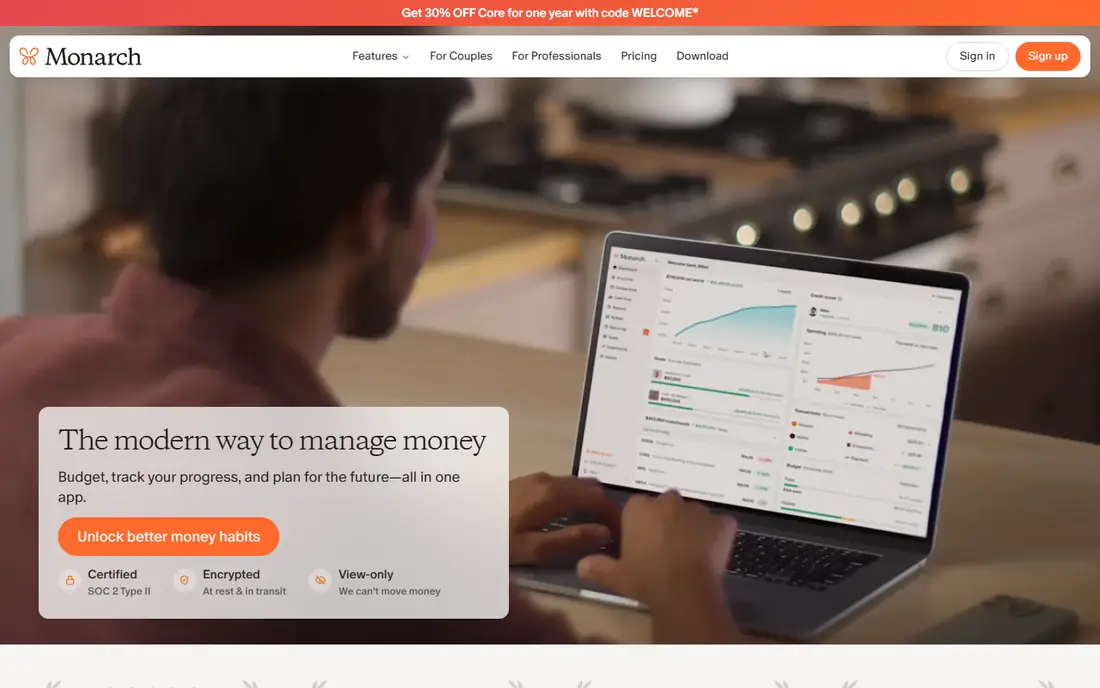
Monarch is our pick for most people who are ready to pay for a money app. Its pricing page lists $14.99 per month or $99.99 per year, and the page says the service is ad-free, offers cancel-anytime billing with a money-back guarantee and never sells financial data. A Plus tier adds forecasting, tracking for multiple income sources and deeper investment analysis.
The headline on the pricing page says "Your first week is on us," which suggests a one-week trial, but the page does not use the term "free trial" or give terms. Confirm that at sign-up before you enter a card. The older monarchmoney.com address now redirects to monarch.com.
Monarch makes sense if you want one place for budgets, net worth and shared finances without learning a method. It is not the cheapest, and you pay for it every month or year.
- Budgeting, bank syncing and planning in one ad-free app
- Says it never sells financial data
- Money-back guarantee listed on its pricing page
- No permanent free plan
- Trial terms are not spelled out on the page
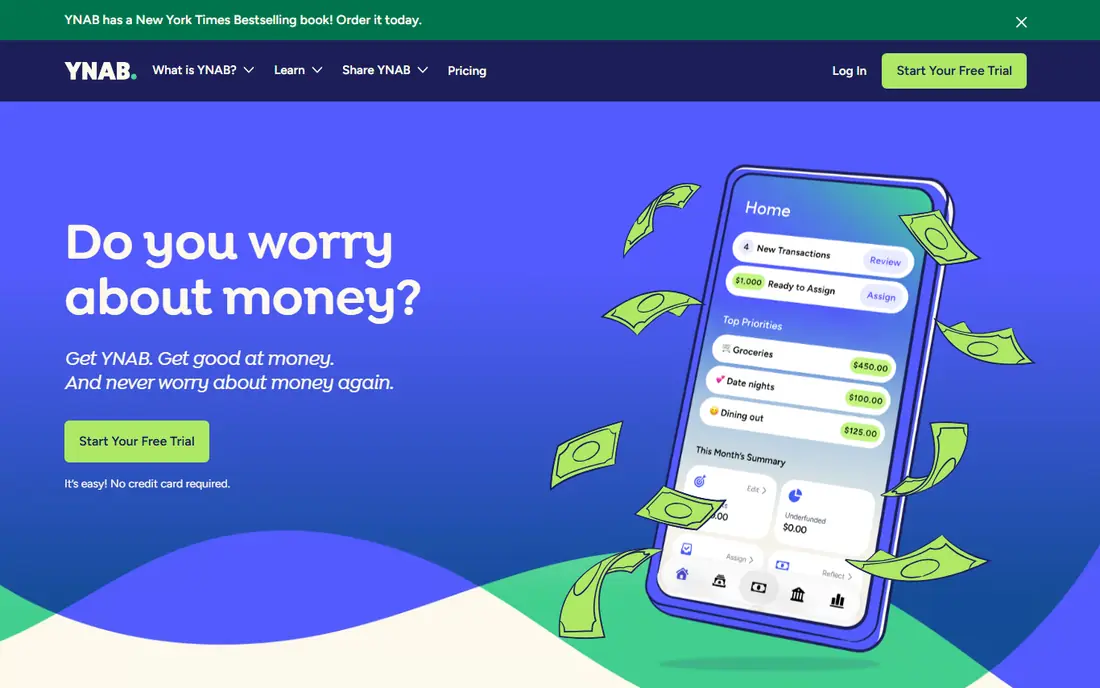
YNAB, short for You Need A Budget, is built around a method rather than a dashboard. Its pricing page lists $109 per year (about $9.08 per month) or $14.99 per month. New users get a 34-day trial, and the page says no credit card is needed when you sign up directly through YNAB.
College students can ask for a 365-day free trial through the College Program, though they need to submit proof of enrollment. That is one of the longer student offers in this category.
The honest catch is effort. YNAB works best when you assign every dollar and update the plan often. If you want something that quietly tracks your spending in the background, Monarch or Copilot will feel lighter.
- Long 34-day trial with no card required when you sign up directly
- Student offer of 365 days free
- Teaches a clear budgeting method
- The method takes effort to learn
- Pricier than several rivals
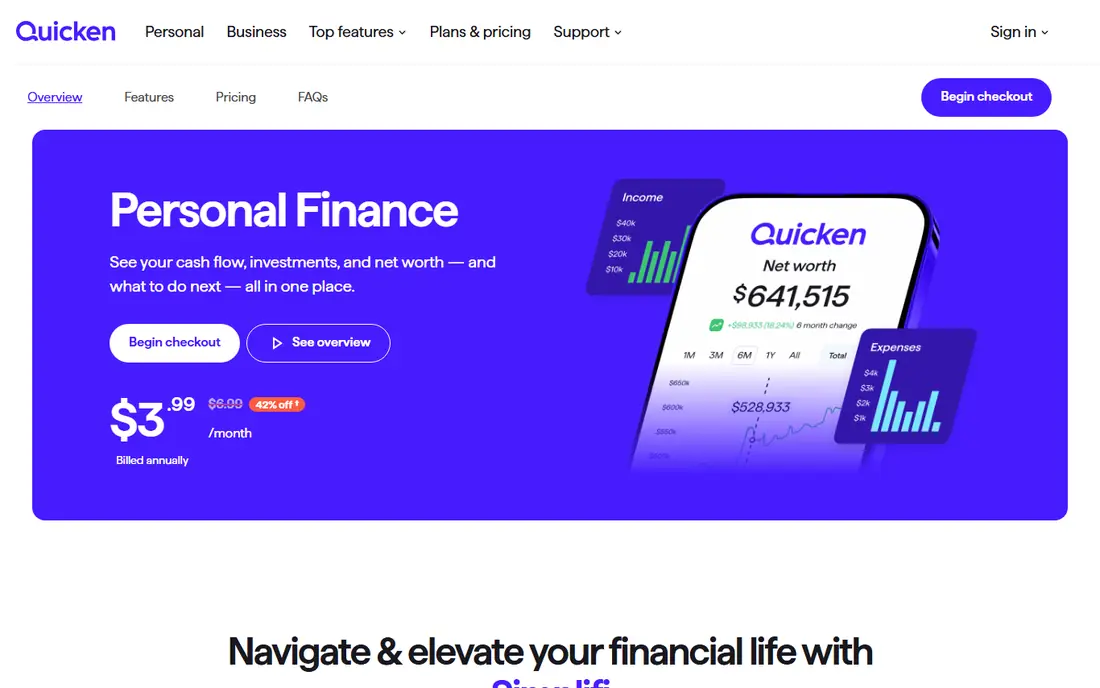
Simplifi is the budget-friendly pick from Quicken. Its product page shows $3.99 per month billed annually, noted as previously $6.99, with the discount applying to first-year orders placed directly with Quicken by 22 November 2026 for new memberships. The page does not state the renewal price, so check it before you rely on the offer.
The app covers budgeting (including zero-based and 50-30-20 methods), savings goals, reports, an investment portfolio view, projected cash flow and a retirement planner. You can also share the account with one other person.
Quicken's main page lists inconsistent prices for some products, so look at the checkout screen before you pay. We found no free plan, and the page notes certain features are not supported on mobile and that the product is not designed to work outside the U.S. and Canada.
- Lists a $3.99 per month price for new first-year orders
- Spending plan that adapts as you spend
- Links to over 14,000 institutions
- Discount applies to new memberships only
- Designed for the U.S. and Canada only
Copilot Money is built for people who care about how a finance app looks and feels. The official page lists $95 billed yearly (about $7.92 per month) and shows platforms as iPhone, iPad, Mac and web. It advertises a free test drive before you connect any accounts, plus a one-month free trial.
It tracks recurring subscriptions and upcoming bills, shows monthly cash flow, and has live investment performance. You can even track real estate by entering a property's Zillow URL.
If you use Android, the page we checked does not list it, so this is not the right tool. A monthly price was not shown either, though a toggle suggests one exists.
- Automatic categorization that improves with use
- Budgets with rollover
- Net worth view including stocks, crypto and real estate
- The page lists iPhone, iPad, Mac and web only
- No separate monthly price on the page
Empower's sign-up page promotes a "Free Empower Dashboard," and its App Store listing is priced Free. The tools include a net worth tracker, budgeting and cash flow, a retirement planner, portfolio analysis, a savings planner, debt paydown and emergency fund tools.
The company's income comes from paid advisory services. Its disclosures state that advisory fees depend on the assets managed, with minimums of $100,000 for Personal Strategy and $1,000,000 for Private Client. Its pages do not say how the free dashboard itself earns money, so it is reasonable to expect offers for investment management.
That should not stop you from using the tools, but know what the offer is. Empower is strongest for tracking investments and retirement, and weaker as a daily budgeting app. Some recent App Store reviews describe slow loading and missing data.
- Free dashboard with net worth, budgeting and retirement planner
- 4.8 rating from about 421K ratings on the App Store
- 4+ age rating
- Some reviewers report login problems and missing account data
- The paid side is investment advisory, with high minimums
Rocket Money started as a subscription cancellation tool and still does that best. Its free version covers subscription tracking, upcoming bill tracking, transaction history, basic budgeting with limited custom categories and credit score viewing. Mobile access is included, but the web app requires Premium.
Premium uses a "pay what you think is fair" model, typically $7 to $14 per month and subject to change. Premium+ is $15 per month. Bill negotiation is performance based. You pay 35% to 60% of the first year's savings if it works, and Premium+ members pay no fee for it.
The slider is the part to watch. Check the final price on the screen before you confirm, because it is not a single posted number.
- Free plan includes subscription tracking, bill timeline and credit score viewing
- Bill negotiation available to all users
- Says it has 10 million+ members
- Bill negotiation takes 35% to 60% of first-year savings
- Premium price is a slider, not a fixed rate
Tiller sends your bank transactions and balances into a spreadsheet, and you build the rest. Its pricing page lists $99 per year after a 30-day free trial, with a full refund guarantee for another 30 days (up to 60 days risk free). Sales tax may be added after the trial.
The big benefit is ownership. The data sits in templates you control, rather than inside a closed app. Tiller's homepage says its spreadsheets work well with AI tools, if you prefer to point those at a sheet instead of linking accounts directly.
This is a poor match for people who want an app to do the thinking. If a pivot table sounds like a chore, skip it.
- Feeds spending, income, debt and balances into spreadsheets you own
- Works with Google Sheets and Excel
- 30-day trial plus a 30-day refund window
- You must be comfortable with spreadsheets
- No monthly price listed
Actual Budget is an envelope budgeting app that you can run yourself. Its site describes it as super fast and privacy-focused, with background sync across devices. You can self-host the syncing service, or use a hosted option on PikaPods, which charges fees.
For bank syncing, the site lists built-in support through GoCardless (EU and UK) and SimpleFIN (US and Canada). You can also import transactions from several file types, which is useful if you prefer to stay off bank links.
The site does not name a price for the app, and it links to a donation page. The trade-off is setup effort. Self-hosting is a hobby project for some people and a deal-breaker for others.
- Described as a fast, privacy-focused app that works offline
- Self-hosting available
- Imports QIF, OFX, QFX, CAMT.053 and CSV files
- Bank sync relies on third-party services
- Setup is more technical than commercial apps
Goodbudget uses the old-school envelope method, and it works on the web, Android and iPhone. The free plan gives you 10 regular envelopes, 10 annual or goal envelopes, one account, sharing with 2 mobile devices and one year of transaction history.
Premium costs US$10 per month or $80 per year. It adds bank sync for U.S. banks, unlimited envelopes and accounts, sharing with 5 mobile devices and seven years of history. Goodbudget says you can ask for a refund within the first 30 days.
It is a good fit for couples who budget together and do not mind entering some transactions by hand. People who want everything imported automatically will find the free plan limited.
- Free plan with 10 regular and 10 annual or goal envelopes
- Syncing and sharing across web, Android and iPhone
- 30-day refund window on subscriptions
- Free plan is limited to one account
- Bank sync is Premium only, and for U.S. banks only
How we picked these
We used no hands-on testing for this list. For each tool we read the vendor's pricing page, product pages, help articles and App Store listings, and we compared free plans, trials, platforms and how each one handles your data. Where a page gave conflicting or missing prices, we say so or recommend you check the site.
We aimed for a mix of paid leaders, low-cost options and free tools, and we left out products that serve only investors or only businesses. Prices change often, and several vendors run time-limited offers, so treat the numbers here as a snapshot from 24 October 2026.
How to choose personal finance software
Start with how you want to manage money, then check the cost.
Pick the method before the app
If you want to plan every dollar in advance, look at YNAB, Goodbudget or Actual Budget. If you mostly want to see where money went, Monarch, Copilot Money and Simplifi do that with less effort. If you care about investments and retirement, Empower is the most focused.
Check what you give up for free
Free tools are useful, but know the business model. Empower sells advisory services, Rocket Money charges a share of negotiated savings, and Goodbudget limits envelopes. None of that is a problem if you know it up front.
Protect your accounts
Most of these apps connect to your bank through a data service. Use a unique password, turn on multi-factor authentication where offered, and review which accounts you have linked. Open source tools like Actual Budget let you import files instead, which avoids bank links.
A note on advice
Software shows you numbers, but it does not know your full situation. This article is general information and is not financial advice. For decisions about investing, debt or taxes, talk to a licensed professional.
Sources
- https://www.monarch.com/pricing
- https://www.ynab.com/pricing
- https://www.quicken.com/products/simplifi/
- https://www.quicken.com/
- https://www.copilot.money/
- https://www.empower.com/
- https://www.empower.com/free-financial-tools-sign-up
- https://apps.apple.com/us/app/empower/id1001257338
- https://www.rocketmoney.com/
- https://www.rocketmoney.com/learn/personal-finance/how-much-does-rocket-money-cost
- https://tiller.com/
- https://tiller.com/pricing
- https://actualbudget.org/
- https://goodbudget.com/
- https://goodbudget.com/help/billing/subscribe-to-goodbudget/