Best Shared Calendar Apps in 2026: 8 Apps Compared for Families and Teams
By ToolNimba Editorial Team October 25, 2026 11 min read How we test

- Top pick
 Google Calendar
Mixed groups with Android, iPhone and web
Starting priceFreeCheck out Google CalendarRead our review - Runner-up
 Apple Calendar
Families that all use Apple devices
Starting priceFreeCheck out Apple CalendarRead our review - Also great
 Outlook Calendar
Work and school schedules
Starting priceFreeCheck out Outlook CalendarRead our review
How we researched this
We compared official pricing and feature pages, app store listings, privacy policies and public user reviews. Prices change, so check the provider's site before you pay.
Key takeaways
- Google Calendar offers five permission levels when you share with a person, from free/busy only up to full control, and a Google family group gets a shared Family calendar that every member can edit.
- Cozi is free for a shared family calendar, with Gold at $39 per year and Max at $79 per year on Cozi's own page.
- Proton Calendar's free plan includes 3 personal calendars with end-to-end encryption, while Mail Plus is $3.99 per month and Unlimited is $9.99 per month.
- TimeTree lists Premium at about $4.49 per month or $44.99 per year, and Fantastical's free tier allows only 1 invitee per event.
- If everyone in your group already uses the same ecosystem (Google, Apple or Microsoft), its built-in calendar is usually the simplest answer.
Quick comparison
| Name | Best for | Starting price | Free plan | |
|---|---|---|---|---|
| Google Calendar | Mixed groups with Android, iPhone and web | Free | Yes | Visit |
| Apple Calendar | Families that all use Apple devices | Free | Yes | Visit |
| Outlook Calendar | Work and school schedules | Free | Yes | Visit |
 Cozi | Families with lists and chores | Free (Gold $39 per year) | Yes | Visit |
 TimeTree | Friends, clubs and couples | Free (Premium about $4.49 per month) | Yes | Visit |
 Fantastical | Power users on Apple devices and Windows | See website | Yes | Visit |
 Proton Calendar | Privacy-focused sharing | Free (Mail Plus $3.99 per month) | Yes | Visit |
 Zoho Calendar | Small teams that use Zoho apps | Free | Yes | Visit |
The best shared calendar apps
A shared calendar only works when the people you share with will actually open it, so the best choice depends on what your family, team or group already uses. We compared how each app shares, what the free plan allows, and where the limits sit. Prices are from each vendor's own pages, and we write See website when a price did not load.
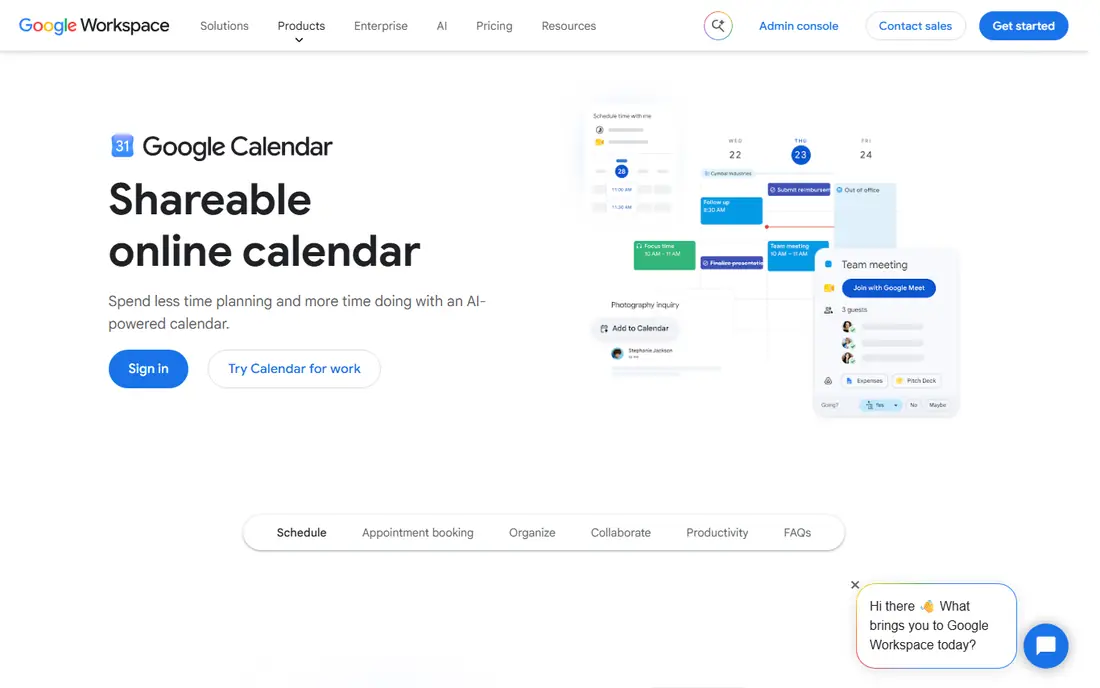
Google Calendar is our default recommendation because almost everyone can open it. Sharing with a person takes a few clicks under Settings and sharing, and you choose one of five levels: see only free/busy, see event details, make changes with private events hidden, make changes and see details, or make changes and manage sharing. That range is wider than most rivals.
A Google family group gets a shared Family calendar that every member can edit, according to Google's page. You can also make a calendar public, which lets it be found through search and subscribed to in other apps. That is handy for a school team or a club schedule, but only use it for events you want the world to see.
The honest catch is control. If you share a work or school account, administrators may restrict sharing and can often view calendar details regardless of your settings. Google's page also reserves extra booking pages and some scheduling features for paid Workspace or Google One plans.
- Five permission levels
- Works on web, Android, iOS, Wear OS and Apple Watch
- Automatic shared Family calendar for Google family groups
- Everyone needs to use a Google calendar or subscribe by link
- Work or school admins can restrict sharing
If your household is all iPhones, Apple Calendar is the simplest option because there is nothing to install. According to Apple's support guides, you share an iCloud calendar by adding people by email, and you choose whether each person can edit or only view. Invitees need an Apple Account and iCloud to use a private shared calendar.
Apple also supports a public calendar link. Anyone with the URL can view the calendar without an Apple Account, and public viewers cannot edit. That helps when you want to share a sports schedule with relatives who use Android.
Signing in with an Apple Account gives you 5GB of free iCloud storage, per Apple's iCloud page. The weak point is cross-platform use. Android users can subscribe to a public link, but private invitations require an Apple Account and iCloud, so mixed households may prefer Google Calendar.
- Built into iPhone, iPad and Mac
- Edit or read-only sharing
- Public link needs no Apple Account to view
- Private invitations need invitees to have an Apple Account and use iCloud
- Less convenient for Android users
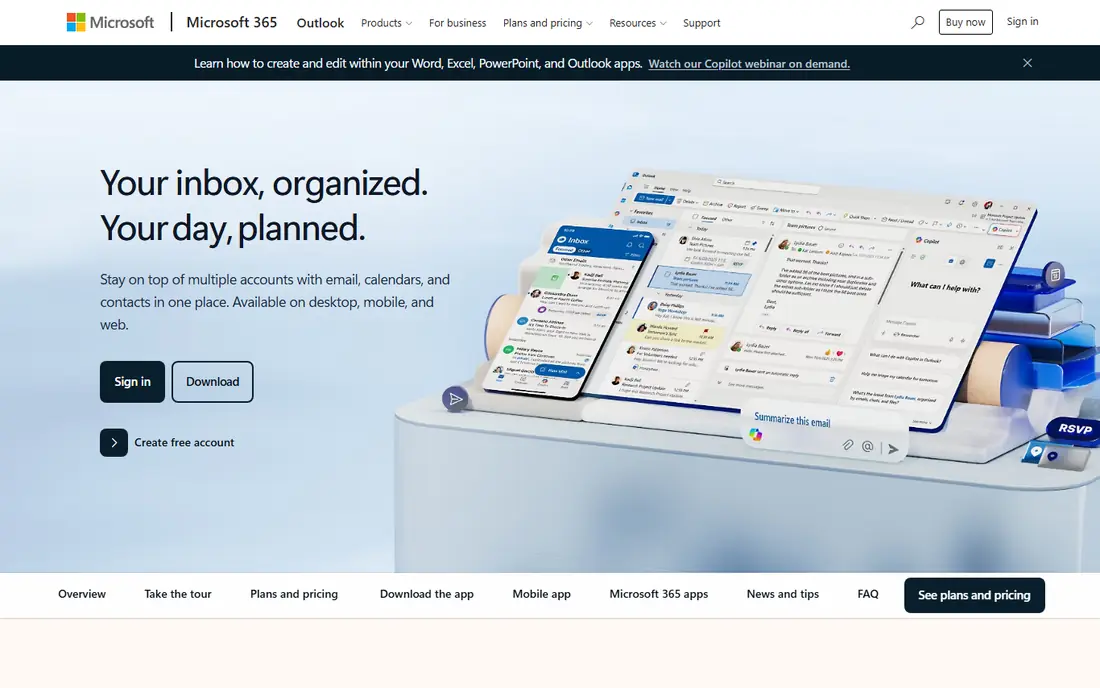
Outlook Calendar fits people whose lives already run through Microsoft email. Microsoft's support pages describe permission levels that let someone see when you are busy, see titles and locations, see all details, or edit your calendar. Items marked private show most viewers only the time.
There are some limits worth knowing. Delegate access, where someone can send and respond to meeting requests for you, is available only for work or school accounts, not Outlook.com. Shared ICS links are read-only, even if you grant edit access to others. You also cannot give editor or delegate access to people outside your organization on a work account.
For families, Outlook is workable, but the sharing steps are less obvious than in Google Calendar. We would choose it mainly when your employer or school already uses Microsoft 365.
- Clear permission levels from busy-only to edit
- Works for work, school and personal accounts
- Private items are hidden from most viewers
- Delegate access is only for work or school accounts
- Shared ICS links are read-only
Cozi is designed around family routines rather than meetings. Its page describes one account that serves the whole family, with each person's events color-coded, and shared shopping lists, to-do lists and a recipe library on the free plan. It works on iPhone, Android and the web, and syncs with Google, Outlook and Apple calendars, which helps if parents already use different tools.
Gold is $39 per year, and the page says it adds no ads, month view on mobile, calendar search, change notifications and a birthday tracker. Max is $79 per year and adds AI event import, an AI meal planner and an AI recipe creator.
The trade-off is focus. Cozi is not a good scheduling tool for a business team. For a household with school pickups, practices and grocery lists, the all-in-one approach is easy to explain to everyone.
- One account for the whole family with color-coded members
- Free shared calendar, shopping and to-do lists, recipe library
- Syncs with Google, Outlook and Apple calendars
- Free version has ads
- Month view on mobile requires Gold
TimeTree is a shared calendar app built for groups of people, not just families. Its page says you can create shared calendars for any group, invite members, manage several calendars at once, and use filters to view them together or separately. The page links to the Apple App Store and Google Play.
Premium is listed at about $4.49 per month or $44.99 per year. The page says pricing varies by region and currency, so check your store. It adds event file attachments, a vertical calendar view, pinned important events, dedicated support and no ads.
The page did not describe what the free plan includes beyond a free sign-up, and it did not say how many people use the app. Try the free version with your group first, and upgrade only if you want the attachments or the ad-free view.
- Create shared calendars for any group
- Invite members and view several calendars together or separately
- Free sign-up
- Page does not spell out free plan limits
- Premium price varies by region
Fantastical is a polished calendar for people who juggle many appointments. Its page lists Openings, which share a link with your available times, Proposals, which send invitees several times and dates, and RSVP tools. Platforms include Mac, Windows, iPhone, iPad, Apple Watch and Vision Pro, with Android phones planned for 2027.
The free tier is limited. The feature comparison lists 1 calendar set, 1 invitee per event and 1 person for Meet With, compared with unlimited on Premium. Family plans cover up to 5 people for personal use, and team plans exist for commercial use. The page showed no dollar amounts when we checked, so see the pricing page for current rates. The Individual plan and higher tiers list a 14-day free trial.
If your family or team includes Android users, this is probably not the right pick until that app arrives. For a group of Apple users who want more control over invitations, it is worth the trial.
- Openings and Proposals make scheduling with other people easier
- Family plan covers up to 5 people
- 14-day trial of paid plans
- Free tier limits invitees to 1 per event
- Android version is only planned for 2027
Proton Calendar is the privacy pick. Its page says event details, including title, description, location and people invited, are encrypted so even Proton cannot see them, and events from people on other calendars are protected too. It runs on iOS, Android, macOS, Windows, Linux and the web.
The free plan includes 3 personal calendars, end-to-end encryption, and sending and receiving invitations. Mail Plus is $3.99 per month, billed at $47.88 every 12 months, and Unlimited is $9.99 per month, billed at $119.88 every 12 months. Both list 25 personal calendars.
The pricing table marks calendar sharing as included for only two plans, but the layout was unclear on which ones, and it did not confirm that the free plan can share. Check the current plan comparison before you commit, especially if you need a family calendar that every member can edit.
- End-to-end encrypted events
- Free plan includes 3 personal calendars
- Apps for iOS, Android, macOS, Windows, Linux and web
- Pricing page does not clearly show whether the free plan can share calendars
- Smaller ecosystem than Google or Apple
Zoho Calendar is a good fit for small teams, especially if you use other Zoho apps. Its FAQ describes it as a free online calendar tool for individuals and teams. You can share a calendar to check availability, create group calendars for projects, and let team calendars suggest meeting times automatically.
Admins can control user permissions and set event visibility levels. It runs in popular browsers and has iOS and Android apps, and it syncs with Google, Outlook, Calendly, Thunderbird and Apple calendars. Meeting links can be created through Zoho Meeting, Zoom or Microsoft Teams.
The honest drawback is that it is built for work. If you want a color-coded household with chore lists, Cozi or Google Calendar will feel friendlier. Zoho's page did not show paid pricing, so see its pricing page if you need more than the free plan.
- Free online calendar for individuals and teams
- Group calendars with availability checks
- Syncs with Google, Outlook, Apple and Calendly
- Paid pricing is not listed on the page
- Family features are not a focus
How we picked these
We compared each app's official feature pages, support articles and pricing pages, and we looked at what the free plan really allows. We list a price only when a vendor page shows it. We did not run long hands-on tests with real families, so our recommendations compare sharing options, limits and platforms. We also tried to include one app for each type of group: mixed devices, Apple households, workplaces, families, friend groups and privacy-minded users.
How to choose a shared calendar
Start with the people, not the features. A calendar that half your group ignores is worse than a basic one everyone uses.
Check what devices everyone has
If everyone has an iPhone, Apple Calendar is easy. If devices are mixed, Google Calendar is the safest bet. If you want to try an app like Fantastical, confirm that every person can install it.
Think about permission levels
Decide who can edit and who should only view. Google offers five levels, Outlook offers busy-only through edit access, and Apple offers edit or read-only. For kids, view-only access is often the safest choice.
Look at the free limits
Fantastical's free tier allows 1 invitee per event, Proton's free plan has 3 personal calendars, and Cozi's free version has ads. A short trial with your actual group shows quickly whether the limits matter.
Consider privacy
A public calendar link can be found by anyone who has the URL, and Google notes that public calendars can be found through search. Use private invitations for family events, and use public links only for schedules you are happy to share widely.
Sources
- https://workspace.google.com/products/calendar/
- https://support.google.com/calendar/answer/37082
- https://support.apple.com/guide/icloud/share-a-calendar-mm6b1a9479/icloud
- https://www.apple.com/icloud/
- https://support.microsoft.com/en-us/outlook/share-your-calendar-in-outlook-com
- https://www.cozi.com/
- https://timetreeapp.com/
- https://flexibits.com/fantastical
- https://proton.me/calendar
- https://proton.me/pricing
- https://www.zoho.com/calendar/