Best Software for Homelab Automation in 2026: 9 Tools Compared
By ToolNimba Editorial Team October 25, 2026 11 min read How we test

- Top pick
 Home Assistant
smart home automation with local control
Starting priceFreeCheck out Home AssistantRead our review - Runner-up
 Ansible
configuring many servers from one playbook
Starting priceFreeCheck out AnsibleRead our review - Also great
 n8n
connecting apps and APIs with visual workflows
Starting priceFreeCheck out n8nRead our review
How we researched this
We compared official pricing and feature pages, app store listings, privacy policies and public user reviews. Prices change, so check the provider's site before you pay.
Key takeaways
- Home Assistant is our pick for home automation. It is open source, runs locally and its optional cloud add-on costs $6.50 per month.
- Ansible, OpenTofu and Semaphore UI cover server and infrastructure automation, and all three are free to run yourself.
- n8n is free to self-host for your own use, but its license is not a standard open source license, and its paid cloud plans are priced in euros.
- Portainer Community Edition and Proxmox VE are free to use, though Portainer CE has no official support channel and Proxmox sells optional support subscriptions.
- Homelab tools can be powerful, so keep them off the public internet unless you know how to secure them.
Quick comparison
| Name | Best for | Starting price | Free plan | |
|---|---|---|---|---|
| Home Assistant | smart home automation with local control | Free | Yes | Visit |
| Ansible | configuring many servers from one playbook | Free | Yes | Visit |
| n8n | connecting apps and APIs with visual workflows | Free | Yes | Visit |
 Node-RED | visual, event-driven flows for devices and data | Free | Yes | Visit |
 Proxmox VE | running virtual machines and containers | Free | Yes | Visit |
 OpenTofu | defining infrastructure as code | Free | Yes | Visit |
 Semaphore UI | a web interface for Ansible and OpenTofu jobs | Free | Yes | Visit |
 Portainer | managing Docker and Kubernetes through a web UI | Free | Yes | Visit |
 Renovate | automated updates for Docker image versions | Free | Yes | Visit |
The best software for homelab automation
Homelab automation covers two jobs: automating your home itself, and automating the servers and containers behind it. We cover both, and each tool below is free to start with, so the question is what each one is really good for.
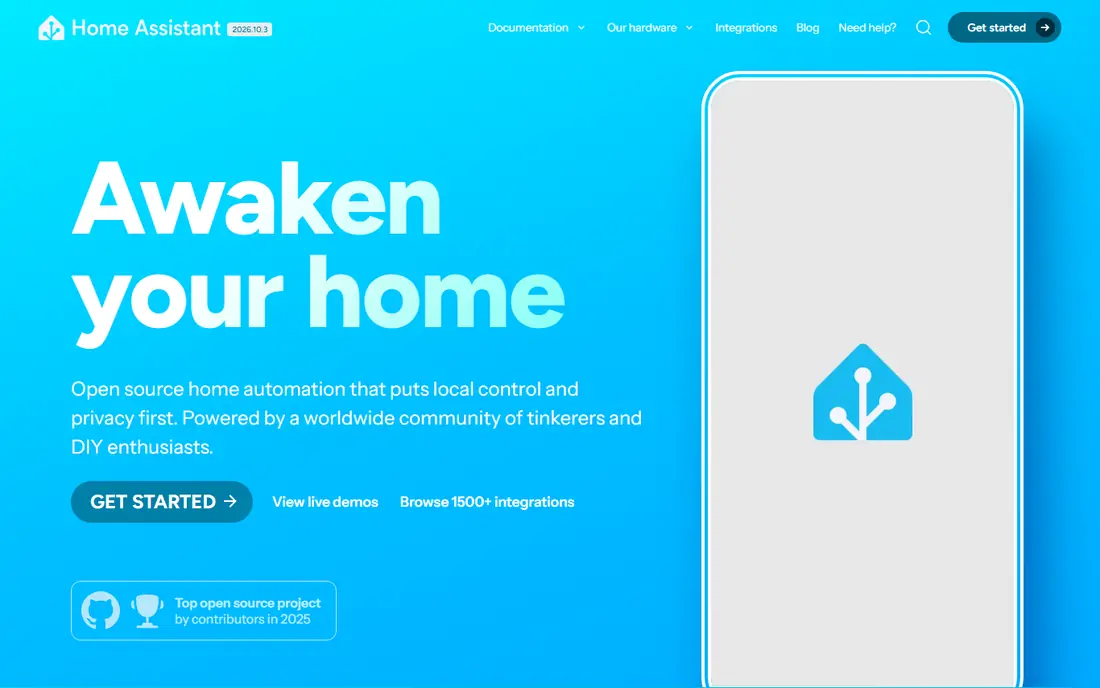
Home Assistant is the standard answer when someone asks what to run on a home server for smart home automation. The project describes itself as open source with an emphasis on local control and privacy, and it is backed by the non-profit Open Home Foundation. Its homepage gives examples such as turning on lights at sunset, or alerting you if the garage door is left open.
The official installation guide recommends Home Assistant Operating System for most people, because it supports apps, one-click updates and backups. You can run it on a Home Assistant Green, a Raspberry Pi 4 or 5 with at least 2 GB of RAM, or in a virtual machine. The Container install is more hands-on, and it lacks apps and one-click updates.
Remote access is where the money comes in. The paid Home Assistant Link service (formerly Home Assistant Cloud) costs $6.50 per month or $65 per year with a 31-day free trial, and it adds remote access, backups and voice assistant support. It is optional, and it helps fund the project.
- Open source and focused on local control and privacy
- Advanced automation engine
- Over 1,500 integrations advertised
- The learning curve is steeper than commercial hubs
- The optional cloud service costs extra
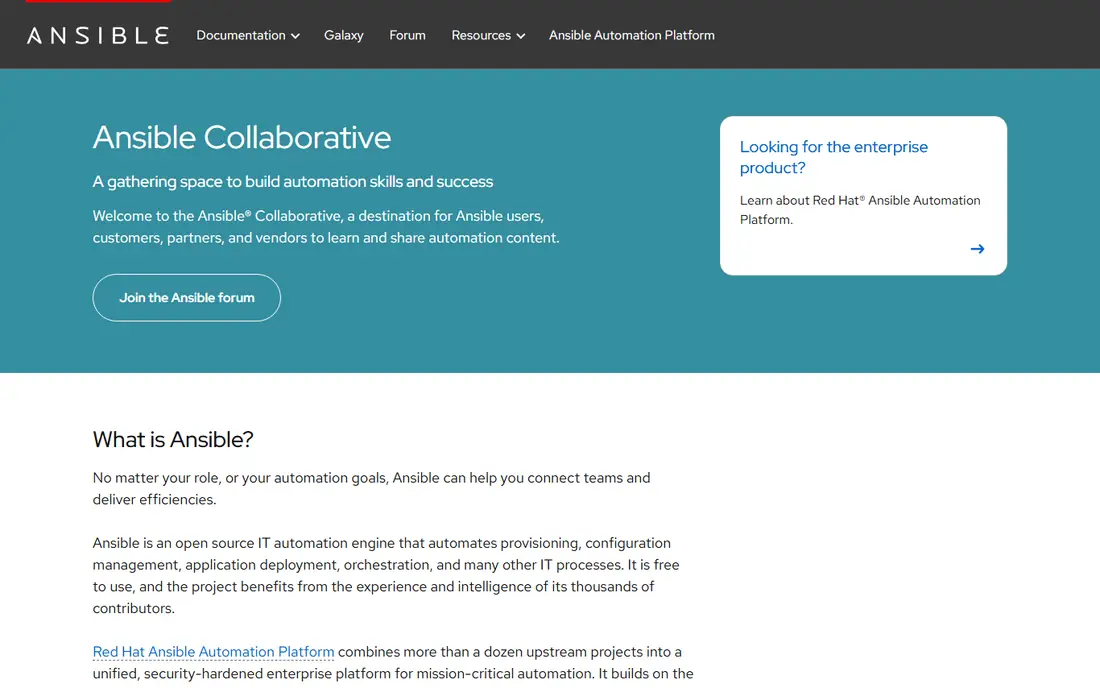
Ansible is the long-running choice for configuring Linux machines. Red Hat describes it as an open source IT automation engine for provisioning, configuration management and application deployment, and says it is free to use. The documentation lists an agentless design, so there is nothing to install on the machines you manage.
The playbook language is YAML, which the docs describe as readable like documentation. For a homelab, that means you can write down how a server is set up, then rebuild it after a failed disk with one command.
The catch is that the community project is command line first. If you want scheduling, logs and a browser interface, look at Semaphore UI further down, or Red Hat's enterprise Ansible Automation Platform, which is aimed at larger organizations.
- Agentless, using SSH with your existing credentials
- Readable YAML playbooks
- Free to use
- Playbooks can sprawl without good structure
- No built-in web interface in the community project
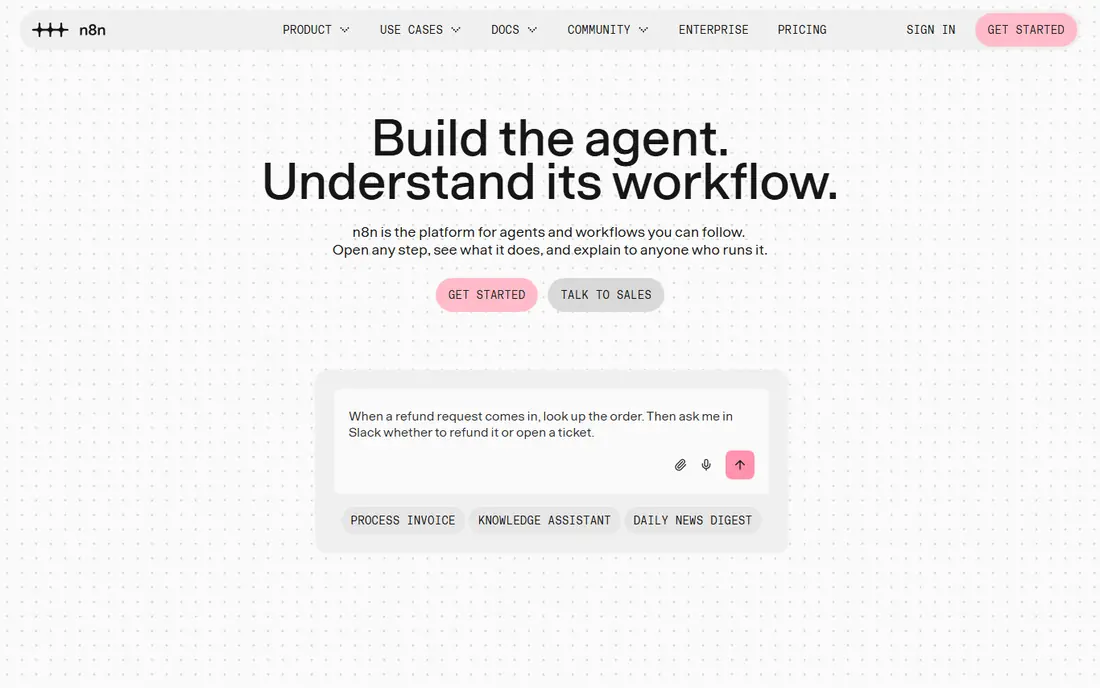
n8n connects services together with workflows, such as sending a message when a backup job finishes or saving form data into a spreadsheet. It fits a homelab where you want to glue web services together without writing a full application.
Be clear about the license. The repository uses the Sustainable Use License, which allows use or modification for your own internal business purposes and for non-commercial or personal use. Distribution is restricted, and files with ".ee." in the name need a separate enterprise license. For home use that is rarely an issue.
On the hosted side, n8n's pricing page lists Starter at EUR 20 per month and Pro at EUR 50 per month, both billed annually, with execution limits of 2.5K and 10K per month. The page shows euros only, so the dollar amount will depend on exchange rates and taxes.
- Visual workflow builder
- Self-hosted version is free for internal use
- Hosted plans available if you do not want to run it
- The license is not a standard open source license
- Paid plans are priced in euros
Node-RED describes itself as the easiest way to collect, transform and visualize real-time data. You wire together blocks, and the result is a flow that can do things like read a sensor and trigger a notification.
The project is run by the OpenJS Foundation community, and its GitHub page lists the Apache 2.0 license. The site says it runs on devices including Raspberry Pi and BeagleBone Black, in Docker, and in the cloud on AWS, Azure and FlowFuse. Home Assistant's homepage also lists Node-RED among the installable apps.
It is a good fit if you like seeing logic as a diagram. If your needs are mostly connecting web apps, n8n may feel more polished, and for pure home automation Home Assistant's own engine is usually the first stop.
- Low-code flow editor
- Runs on a Raspberry Pi, locally or in the cloud
- Over 5,000 community nodes and flows
- Flows can get messy as they grow
- Less friendly for plain server configuration
Proxmox VE is the base layer for many homelabs. Its overview page calls it an open source server management platform that combines the KVM hypervisor and Linux Containers with software-defined storage and networking, all managed through a web interface. It also covers high availability clustering, live migration and backup tools.
The software itself is released under the AGPLv3 license, and forum posts from Proxmox staff say a subscription is a support option and not a license. Without one, you use the no-subscription repository for updates. Proxmox's pricing page lists subscriptions from EUR 120 per CPU socket per year (Community, forum support only, non-production use), up to EUR 1,100 for Premium, and says every feature is available at every level.
This is infrastructure rather than an automation app, but it earns a spot because it is where you automate the rest. You can create machines through its tools, and it pairs naturally with Ansible and OpenTofu.
- KVM virtual machines and LXC containers in one web interface
- Clustering, live migration and integrated backup
- All features available at every subscription level
- Optional support subscriptions are priced per CPU socket
- The community subscription is meant for non-production use
OpenTofu lets you declare your infrastructure in code and apply it repeatedly. The project describes itself as a drop-in replacement for Terraform, started by companies including Gruntwork, Spacelift, Harness, Env0 and Scalr after HashiCorp's license change. The site shows version 1.13.0 as the latest release.
The GitHub page lists the MPL-2.0 license. The OpenTofu site does not state a price, but as an open source project it does not need one. It sits under the Linux Foundation's stewardship, which reduces the risk of the license changing again.
For a homelab, the use case is clear: describe your virtual machines, networks and DNS records in files, then recreate them on demand. It is more rewarding if you run many machines. For one or two servers, Ansible alone might be enough.
- Open source fork of Terraform
- Stewarded by the Linux Foundation
- Uses the MPL-2.0 license
- Needs a provider for each platform you manage
- Best suited to people who already think in declarative code
Semaphore UI puts a web page in front of your automation scripts. Its site calls it an open source, self-hosted web UI and API for infrastructure automation, written in Go and running on Linux, macOS and Windows. It stores data in SQLite, MySQL or PostgreSQL.
Task templates are reusable definitions, and the schedules feature runs them at set times. The GitHub page also lists notifications for failed tasks and access control. The Community edition is on GitHub and is aimed at homelab use, under the MIT license.
Pro adds isolated execution, log export, built-in Terraform state and HashiCorp Vault integration. The site offers a free trial but does not list a price. Most homelab users will not need those extras.
- Runs Ansible, Terraform, OpenTofu, Bash, PowerShell and Python tasks
- Scheduling and failure notifications
- MIT license
- Pro features cost extra, and the page lists no price
- You still have to write your own playbooks
Portainer gives you a browser dashboard for containers. Its GitHub README calls Community Edition a free, lightweight container management UI for Docker, Swarm, Podman, Kubernetes and ACI, licensed under zlib and designed for homelabs, learning environments and other non-production deployments.
Support is community only. The README says there is no official support channel and no guaranteed response. The Business Edition page offers 3 nodes free, with a Starter plan at $1,045 per year for 5, 10 or 15 nodes, and a Home & Student option for non-commercial use.
Portainer is more of a management tool than an automation tool, though templates and GitOps deployments on the Business side move it that way. Pick it if you want to see and control containers without typing commands.
- Community Edition is free under the zlib license
- Supports Docker, Swarm, Podman, Kubernetes and ACI
- Business Edition is free for 3 nodes
- Community Edition has no official support channel
- The free-versus-business rules are confusing
Renovate is a quiet but useful automation: it keeps your container versions current. The docs describe it as an automated dependency update tool that opens pull requests to update dependencies and lock files, and you can schedule when those requests appear. Its Docker Compose support extracts image names from files such as compose.yaml and docker-compose.yml.
That fits a homelab where your stack lives in Git. You review each change before merging, so nothing updates itself without your approval. Renovate supports GitHub, GitLab, Gitea, Forgejo and others.
Renovate is licensed under the AGPL-3.0, and you can run it yourself as an npm package or a prebuilt image, or use Mend's hosted app. The docs we read did not mention pricing for the hosted option.
- Opens pull requests to update dependencies on a schedule you set
- Reads compose files by default
- Works with GitHub, GitLab, Gitea and Forgejo
- Needs a Git repository to work with
- Self-hosting takes some setup
How we picked these
We did not run these tools in a lab. For each one we read the project's own website, GitHub page or documentation, plus pricing pages where a paid tier exists, and we checked the license, what runs where, and what you pay for. We left out tools we could not verify and tools that are mainly paid products.
We mixed home automation, server automation and container management, because a homelab usually needs all three. Where an official page did not state a license or price, we say so instead of guessing.
How to choose homelab automation software
Start with the problem you actually have rather than the tool everyone talks about.
What do you want to automate?
For lights, sensors and switches, start with Home Assistant. For server setup, use Ansible, and add OpenTofu if you create virtual machines or cloud resources. For app-to-app tasks, try n8n or Node-RED.
How much do you want a web interface?
Semaphore UI and Portainer put a friendly front end over command-line tools. If you are comfortable in a terminal, you can skip them at first and add them later.
Check the license
Most tools here are standard open source, but n8n uses the Sustainable Use License, and Portainer's Business Edition has node limits. Read the terms if you plan to use any of them for work.
Keep it safe
Automation tools often hold passwords, tokens and SSH keys. Put them behind a firewall or VPN, keep them updated, use strong logins, and back up your configuration. Do not expose a dashboard to the internet without a plan for securing it.
Sources
- https://www.home-assistant.io/
- https://www.home-assistant.io/installation/
- https://www.nabucasa.com/link/
- https://www.redhat.com/en/ansible-collaborative
- https://docs.ansible.com/ansible/latest/getting_started/introduction.html
- https://n8n.io/pricing/
- https://raw.githubusercontent.com/n8n-io/n8n/master/LICENSE.md
- https://nodered.org/
- https://github.com/node-red/node-red
- https://www.proxmox.com/en/products/proxmox-virtual-environment/overview
- https://www.proxmox.com/en/products/proxmox-virtual-environment/pricing
- https://forum.proxmox.com/threads/does-proxmox-still-offer-a-fully-free-version.146066/
- https://opentofu.org/
- https://github.com/opentofu/opentofu
- https://semaphoreui.com/
- https://github.com/semaphoreui/semaphore
- https://www.portainer.io/
- https://www.portainer.io/pricing
- https://github.com/portainer/portainer
- https://docs.renovatebot.com/
- https://docs.renovatebot.com/modules/manager/docker-compose/