Best Study Apps in 2026: 9 Apps Compared for College and High School
By ToolNimba Editorial Team October 25, 2026 12 min read How we test

- Top pick
 Quizlet
Quick flashcards and shared study sets
Starting priceSee websiteCheck out QuizletRead our review - Runner-up
 Anki
Long-term memorization with spaced repetition
Starting priceFree (iPhone app $24.99)Check out AnkiRead our review - Also great
 Notion
Notes, class planning and databases
Starting priceFreeCheck out NotionRead our review
How we researched this
We compared official pricing and feature pages, app store listings, privacy policies and public user reviews. Prices change, so check the provider's site before you pay.
Key takeaways
- Anki and Khan Academy are fully free to use, and Notion gives students and educators its Plus plan at no cost when they sign up with a school email address.
- Anki is free on desktop and Android, but the iPhone version, AnkiMobile, is a paid app at $24.99 on the App Store listing we checked.
- Goodnotes has a free tier capped at 3 files, with paid plans at $11.99 per year (Essential) and $35.99 per year (Pro) on its pricing page.
- Brainscape lists Pro at $7.99 per month on yearly billing, while its free plan includes spaced repetition and AI-generated card sets.
- No single app covers everything. A flashcard app, a note app and a focus timer cover most of what a student needs, and you can build that set for $0.
Quick comparison
| Name | Best for | Starting price | Free plan | |
|---|---|---|---|---|
| Quizlet | Quick flashcards and shared study sets | See website | Yes | Visit |
| Anki | Long-term memorization with spaced repetition | Free (iPhone app $24.99) | Yes | Visit |
| Notion | Notes, class planning and databases | Free | Yes | Visit |
 Khan Academy | Free lessons and test prep | Free | Yes | Visit |
 Brainscape | Spaced repetition with a simple interface | Free | Yes | Visit |
 Goodnotes | Handwritten notes on a tablet | Free | Yes | Visit |
 Forest | Staying off your phone while you study | Free | Yes | Visit |
 Todoist | Deadlines, assignments and to-do lists | Free | Yes | Visit |
 Microsoft OneNote | Free notebooks organized by class | Free | Yes | Visit |
The best study apps
Study apps do different jobs, so we grouped our picks by what each one does best: remembering facts, taking notes, learning from scratch, and managing your time. Most have a usable free plan, which matters when you are already paying for textbooks.
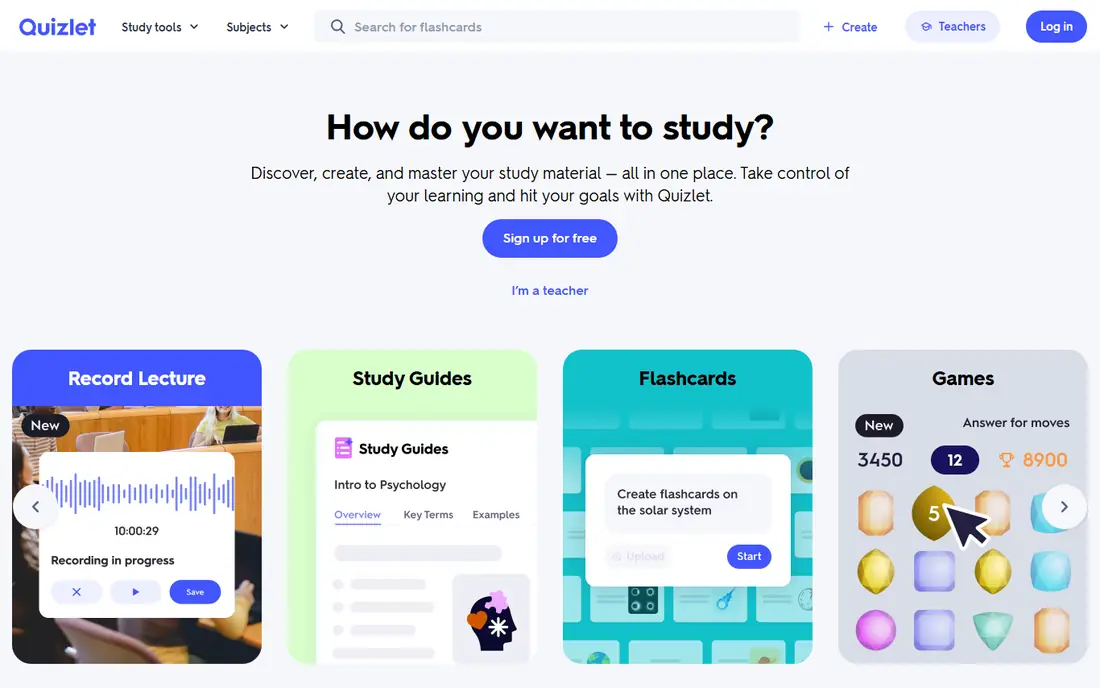
Quizlet is still the app most students already know, and the reason is simple: someone has probably already made a set for your exact class. You can search for a set, copy it, edit it and start studying in a few minutes. The iPhone listing we checked shows a 4.8 average from about 1.1 million ratings, which is a good sign of how widely it is used.
The catch is the pricing. The App Store listing shows several paid options, including Quizlet Plus, Plus Unlimited and a teacher plan, and third-party pricing roundups describe a free tier that is supported by ads and limits some study modes. We could not load Quizlet's own upgrade page when we checked, so we are not quoting a price here. Look at the upgrade page before you pay, and cancel any free trial before it renews.
If you only need plain flashcards for a quiz next week, the free version is enough. For long-term retention, pair it with Anki or Brainscape.
- Huge library of study sets made by other students
- Works well on phones
- Free tier covers basic flashcards
- Some study modes sit behind paid plans
- Pricing is split across several tiers
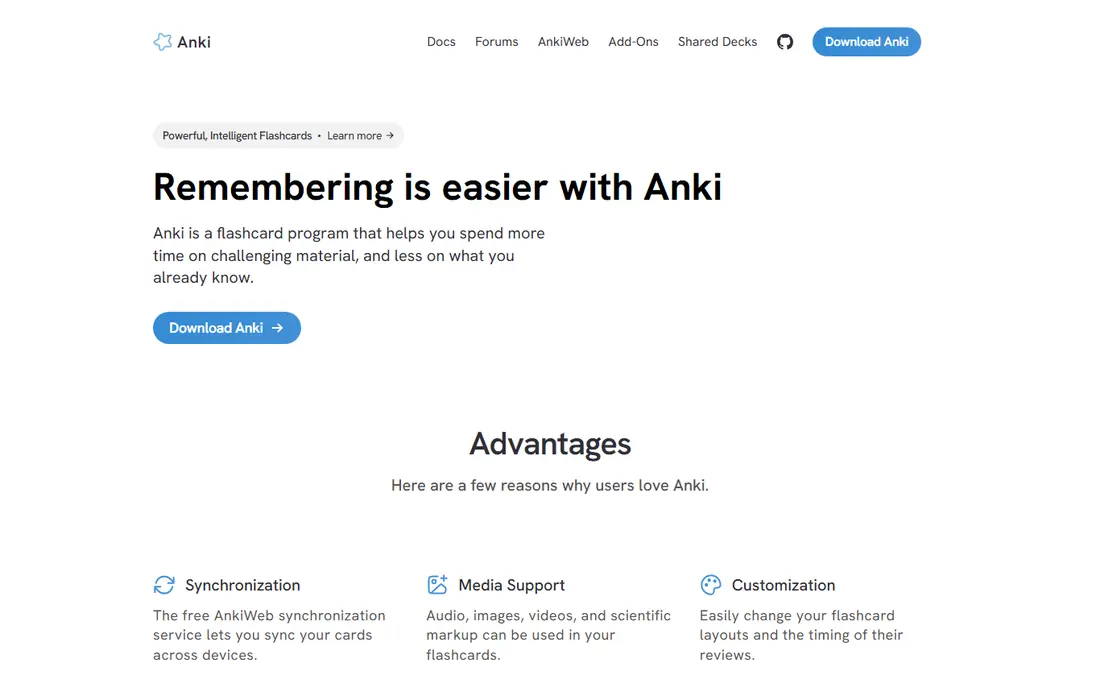
Anki is the favorite of students who need to hold a lot of facts in their heads for a long time, such as anatomy terms, vocabulary or law cases. You rate how well you remembered each card, and Anki schedules the next review for when you are most likely to forget it. The official site says it supports media such as audio, images and video, decks of 100,000 cards or more, and add-ons.
The price structure is unusual. The desktop app is free, AnkiDroid on Android is free, and AnkiWeb sync is free. The iPhone and iPad app, AnkiMobile, is the official paid version, and the App Store listing we checked showed $24.99 with a 4.0 rating from about 2.4K ratings. The site says purchases help fund development.
The honest drawback is the setup. Anki rewards people who spend an hour learning how decks, tags and settings work, and it can feel dated next to newer apps. If you stick with it, though, it is hard to beat for sheer retention.
- Free on computers and Android
- Free AnkiWeb sync between devices
- Huge range of add-ons and shared decks
- Steeper learning curve than other flashcard apps
- IPhone app costs $24.99
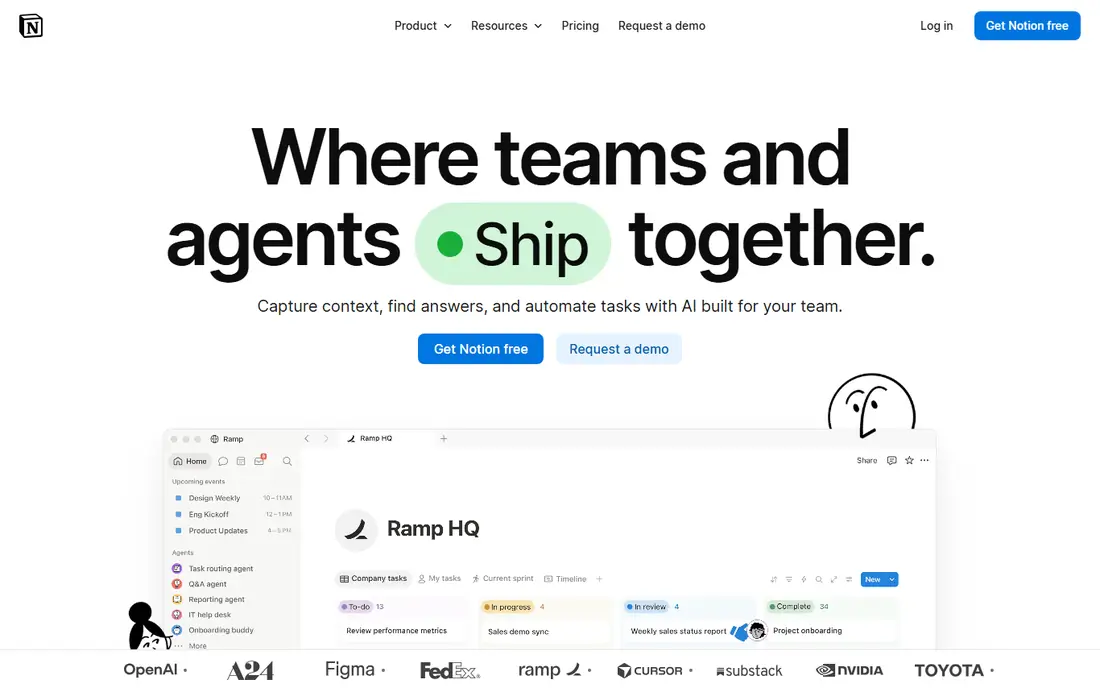
Notion works like a blank workspace where you build your own system. Many students create one page per class, a database for assignments with due dates, and a reading list that they check off as they go. It is more of a planner and notebook than a study tool, but you can place flashcards, outlines and project notes in one place.
The pricing page makes the student deal clear. The Free plan costs $0, and Plus is listed at $10 per member per month, but Plus limited to one member is free for students and educators. A school email address is enough, and Notion says eligibility is not limited to .edu domains. The Free plan has a 5 MB file cap and 7 days of page history, which is why the education Plus plan is worth claiming.
The honest catch is the blank page. Notion can eat a weekend if you try to design the perfect system, so start simple.
- Plus plan is free for students and educators with a school email
- Flexible pages and databases
- Free plan has no cap for a solo workspace
- Takes time to set up
- Free plan limits file uploads to 5 MB each
Khan Academy is the right app when you do not understand the material yet and a flashcard will not help. Its about page says the free platform has more than 840 courses across K-12 and early college subjects, including math, science, English language arts, social studies, economics, computing, life skills and test prep. Khan Academy is a 501(c)(3) nonprofit that describes the core platform as free.
It also offers Khanmigo, which the site describes as tutoring for students and tools for teachers and parents. The page we checked does not state a price for Khanmigo, so check the site if that feature matters to you.
The limit is depth. If you are in a third-year engineering or nursing course, Khan Academy will fill gaps in the basics but will not replace your lecture notes. For high school students, community college students and anyone preparing for a standardized test, it is a strong first stop.
- Core platform is free
- More than 840 courses
- Run by a 501(c)(3) nonprofit
- Better for core subjects than advanced college classes
- Khanmigo pricing is not listed on the about page
Brainscape is the friendlier cousin of Anki. It uses spaced repetition too, but the design is cleaner and you do not have to fiddle with settings. Its pricing page describes the free plan as free forever, with unlimited flashcard creation and imports, AI-generated card sets, access to 2,500 preloaded cards, progress tracking and study reminders.
Pro is listed at $7.99 per month under a yearly billing option. It adds unlimited AI-generated cards, unlimited access to certified and community-made cards, images and sound on cards, reverse-card study, bookmarks and private content. For language learners and anyone studying diagrams, the images and sound features are likely the reason to upgrade.
We would pick Brainscape for students who want spaced repetition but find Anki intimidating. The trade-off is money, because the most useful extras live behind the Pro plan.
- Free plan includes spaced repetition and progress tracking
- AI-generated card sets
- Study reminders
- Pro is needed for images and sound on cards
- Pro is $7.99 per month on a yearly option
If you write your notes by hand on an iPad or tablet, Goodnotes is built for you. It handles notebooks, whiteboards and text documents, and the pricing page says it runs on Apple, Android, Windows and the web. You can import PDFs, mark up slides and keep everything in one library.
The free plan is limited to 3 files in total across notebooks, whiteboards and text documents, with 20 minutes of audio recording and a 5 MB import limit. Essential is $11.99 per year with unlimited files and audio recording. Pro is $35.99 per year and adds cloud library sync, private link sharing and real-time collaboration. Both paid plans list a 7-day free trial, and an AI Pass add-on costs $9.99 per month.
Three files fill up quickly, so treat the free tier as a trial. For a student who takes handwritten notes in four or five classes, Essential at $11.99 per year is inexpensive, but if you use both an iPad and a Windows laptop, budget for Pro.
- Works on Apple, Android, Windows and web
- Free tier with 3 files
- Paid plans start at $11.99 per year
- Free plan allows only 3 files in total
- Syncing one library across Apple and non-Apple devices requires Pro
Forest solves a different problem than the other apps here: your phone. You start a focus session and a tree grows on the screen. If you leave to use another app, the tree dies. It is a small bit of friction, but it works as a nudge for students who tell themselves they will check one notification and lose twenty minutes.
According to the official site, the core focus experience is free with no credit card, and it includes a countdown or stopwatch timer, Deep Focus app blocking, and Plant Together rooms for group sessions. Plus is an optional subscription with focus analytics, a custom allowlist and a coin boost. Coins can fund real tree planting through Trees for the Future. The site says Plus pricing varies by region and platform, so check your store listing.
Forest is not a study method, only a way to protect your study time. It also runs as a Chrome and Firefox extension, which helps if you study on a laptop.
- Core focus timer is free
- Deep Focus app blocking is free
- Group focus rooms with Plant Together
- Plus subscription price varies by region and store
- Pro is no longer sold to new users
Todoist is a plain to-do app, and that is why it works. You add assignments, set due dates and group them by class or project. The free Beginner plan includes 5 personal projects, 3 filter views, 5 MB file uploads and one week of activity history, which is enough for many students.
Pro on the iPhone listing is $6.99 per month or $59.99 per year, and the web pricing may differ slightly, so confirm before you subscribe. Pro raises the limits to 300 personal projects and 150 filter views, adds reminders and a calendar layout, and lengthens activity history. The App Store listing we checked shows a 4.8 rating from about 130K ratings.
We would only upgrade if you run out of projects.
- Free Beginner plan with 5 personal projects
- IPhone app rated 4.8 from about 130K ratings
- Quick task entry
- Free plan limits you to 5 personal projects and 3 filter views
- Pro is $6.99 per month on the App Store
OneNote is the quiet option that many schools already use. Microsoft's page says you can take notes anywhere for free, and the app is organized like a binder: a notebook for each class, sections for units and pages for individual lectures. That structure is easy to understand on day one, which cannot be said for every note app.
It is a good pick if your school gives you a Microsoft account. The page we checked did not list specific features, storage limits or paid tiers, so confirm what you get with your own account before you rely on it for a whole degree.
The drawback is flexibility. People who like databases and linked pages will find Notion more powerful. If you want a free, familiar binder, OneNote is hard to argue with.
- Microsoft states you can take notes for free
- Notebook, section and page structure suits school
- Works with a Microsoft account
- Microsoft's page lists few feature details
- Organization can feel rigid compared with Notion
How we picked these
We looked at official product pages, pricing pages, app store listings and public documentation for each app, and we list a price only when a vendor page or store listing shows it. Where we could not open a vendor page, we say "See website" instead of guessing. We have not run long-term tests of each app, so our opinions come from comparing features, limits and prices rather than from daily use. We also tried to mix familiar names with smaller tools that do one job well.
How to build a study setup that works
The best study apps are the ones you open every day, so start small and add tools only when a problem shows up.
Pick one tool for each job
Most students need four things: a way to take notes, a way to memorize, a way to learn new material, and a way to manage deadlines. For example, you could take notes in OneNote or Notion, memorize in Anki or Brainscape, learn from Khan Academy, and track assignments in Todoist. Adding a fifth app usually just adds clutter.
Check the free limits before you invest time
Free plans change and have caps. Goodnotes allows 3 files on the free tier, Todoist allows 5 personal projects, and Notion limits file uploads to 5 MB. If you build a large library of notes or cards in an app, check what happens when you hit the limit and whether you can export your data.
Use your student status
Notion gives its Plus plan free to students and educators, Goodnotes advertises a free education tier for schools, and some vendors offer student pricing. Ask your school what it already provides before you buy anything.
Sources
- https://apps.ankiweb.net/
- https://apps.apple.com/us/app/anki-mobile/id373493387
- https://www.notion.com/pricing
- https://www.forestapp.cc/
- https://www.khanacademy.org/about
- https://www.brainscape.com/pricing
- https://www.goodnotes.com/pricing
- https://apps.apple.com/us/app/todoist-to-do-list-planner/id572688855
- https://apps.apple.com/us/app/quizlet-ai-powered-flashcards/id546473125
- https://onenote.cloud.microsoft/