Best Text to Video AI Tools in 2026: 8 Tools Compared
By ToolNimba Editorial Team October 25, 2026 11 min read How we test

- Top pick
 Runway
creative filmmaking and editing in one workspace
Starting price$15 per monthCheck out RunwayRead our review - Runner-up
 Adobe Firefly
commercially minded teams already using Adobe
Starting price$9.99 per monthCheck out Adobe FireflyRead our review - Also great
 Google Flow
Google AI subscribers who want video with audio
Starting priceSee websiteCheck out Google FlowRead our review
How we researched this
We compared official pricing and feature pages, app store listings, privacy policies and public user reviews. Prices change, so check the provider's site before you pay.
Key takeaways
- The tools split into two groups: cinematic generators (Runway, Adobe Firefly, Google Flow, Pika, Luma) and presenter or marketing video tools (HeyGen, Synthesia, invideo).
- Adobe Firefly ($9.99 per month) and invideo ($9 per month) have the lowest paid entry prices, and Adobe states that its own Firefly Video Model is designed to be safe for commercial use.
- HeyGen and Synthesia both have free plans, but each adds a watermark to free videos, so plan on a paid tier for client or business use.
- Credits drive the cost everywhere. Most plans reset credits monthly without rollover, so a cheap plan can run out quickly.
- AI models and plan names are changing fast. Check each pricing page before you pay, and only make videos of real people with their consent.
Quick comparison
| Name | Best for | Starting price | Free plan | |
|---|---|---|---|---|
| Runway | creative filmmaking and editing in one workspace | $15 per month | Yes | Visit |
| Adobe Firefly | commercially minded teams already using Adobe | $9.99 per month | Yes | Visit |
| Google Flow | Google AI subscribers who want video with audio | See website | No | Visit |
 Pika | short, social-style clips and multi-shot videos | $10 per month | Yes | Visit |
 Luma | physically convincing motion and a creative canvas | $30 per month | No | Visit |
 HeyGen | talking-avatar videos and translation | Free | Yes | Visit |
 Synthesia | training and explainer videos with AI presenters | Free | Yes | Visit |
 invideo | prompt-driven editing and marketing videos | $9 per month | No | Visit |
The best text to video AI tools
We include tools that turn a written prompt or script into video. Some produce film-style clips from a description, while others build presenter videos from a script. We say which is which, because they solve different problems.
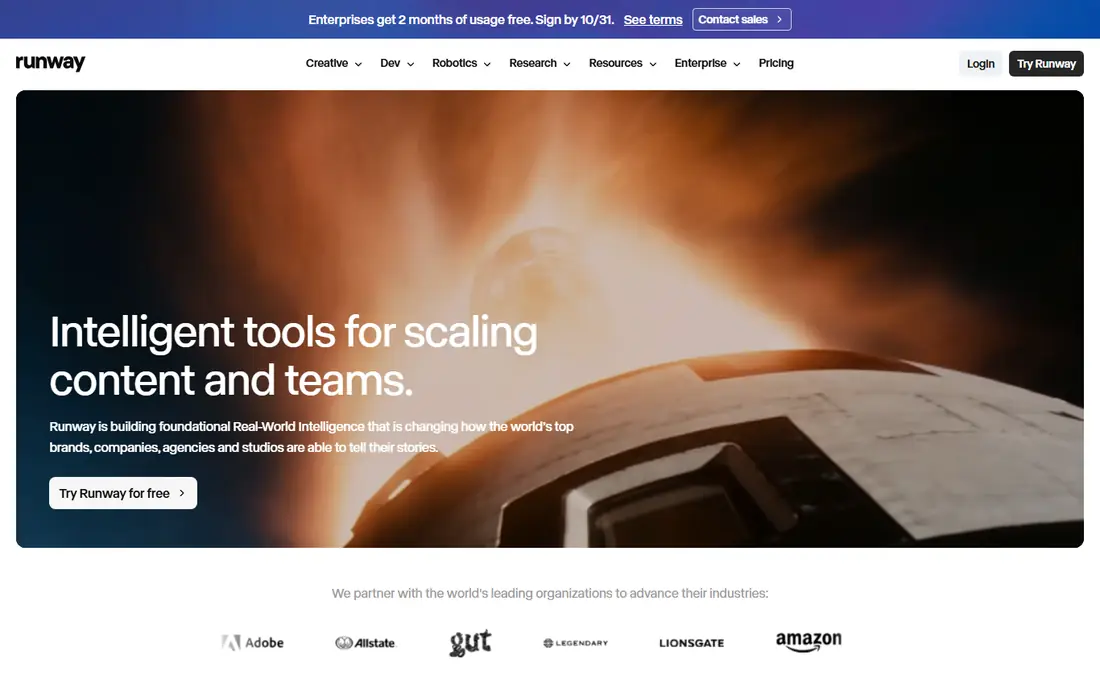
Runway is our pick for creators who want a full workspace rather than a single prompt box. Its site describes Runway Creative as a cloud suite for generating and editing video, images and audio, and it highlights Gen-4.5 as its video model. The company also claims 60m+ creatives use it, which is Runway's own figure.
On the pricing page, Standard is $15 per month ($12 per month billed yearly) with 625 credits. Pro is $35 ($28 yearly) with 2,250 credits, and Max is $95 ($76 yearly) with 9,500. The Free plan has 125 one-time credits, and the page does not say whether free output carries a watermark.
Credits are the catch. Standard and Pro credits do not roll over, while credits you buy separately never expire, with a minimum purchase of 1,000 credits. Heavy users will probably need more than the entry plan.
- Standard plan includes all video and image models and no watermarks
- 4K upscaling
- Free plan lets you try it
- The free plan gives only a one-time 125 credits
- Standard and Pro credits do not roll over
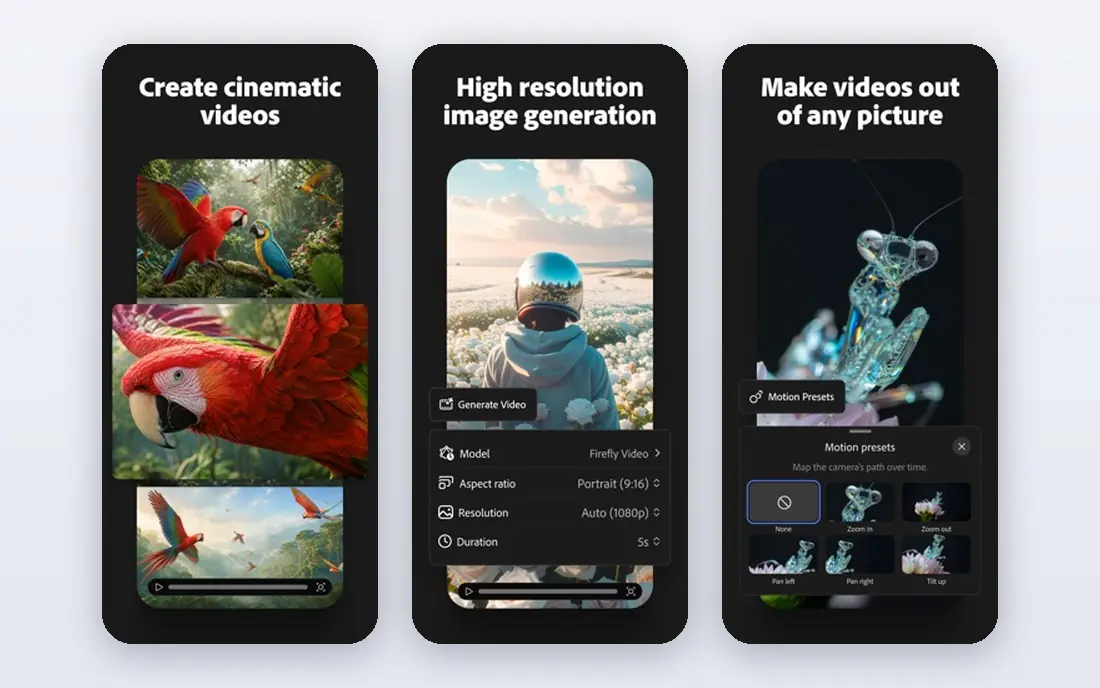
Firefly stands out for its licensing story. Adobe's video page says videos made with the Firefly Video Model are designed to be safe for commercial use, and that the model is trained on licensed content such as Adobe Stock and public domain material, and not on Adobe user content. It also lists partner models, including Veo 3.1, Luma AI Ray3, Runway Gen-4.5 and Kling 3.0, and notes that commercial eligibility depends on the model you choose.
US pricing on the plans page is Standard $9.99 per month (2,000 credits, up to 20 five-second videos), Pro $19.99 (4,000 credits, up to 40 videos), Pro Plus $49.99 and Premium $199.99. The free plan gives a daily allotment that resets each day.
Most models generate clips up to 8 seconds, and some go up to 15 seconds, with MP4 downloads up to 4K. That is shorter than some rivals, so Firefly suits ad snippets and B-roll more than long scenes.
- Low $9.99 entry price
- Adobe says its Firefly Video Model is designed to be safe for commercial use
- Includes partner models such as Veo 3.1 and Runway Gen-4.5
- Partner models may have different usage terms
- The entry plan makes only up to 20 five-second videos a month
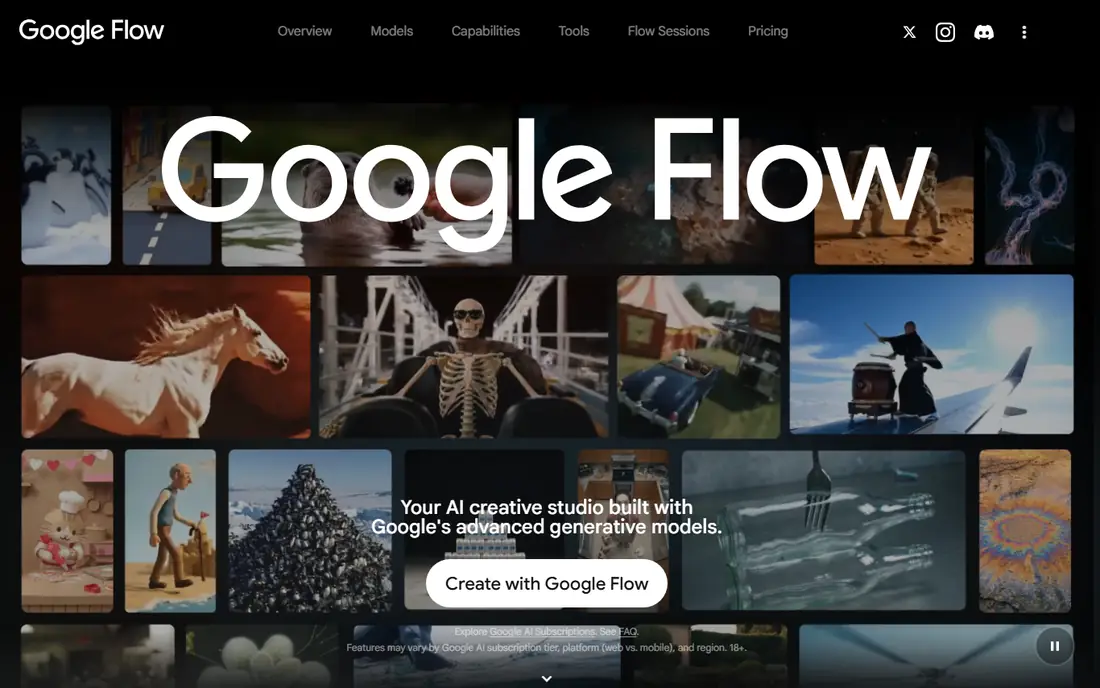
Google Flow is Google's AI creative studio for video, images and tools. Its page title says so, but the page itself gives little detail. Google's Gemini video page says the Omni model replaces Veo 3.1 in the Gemini app, creates videos up to 10 seconds with native audio, and requires a Google AI subscription. It is for users over 18.
Google's AI plans page lists Flow credits per month: 200 on AI Plus, 1,000 on AI Pro, and 10,000 or 25,000 on the two Ultra tiers. The page text we read had blank price fields, so we cannot quote a monthly cost. Google mentions trial offers without giving their terms.
The practical advice is to check Google's page for your region and age. The page notes that availability varies by country.
- Monthly Flow credits come with Google AI plans
- Gemini video supports native audio
- Plans also bundle cloud storage
- Google's pages do not show plan prices in the text we read
- Model names are changing
Pika leans toward fast, shareable video. Its homepage says Video Studio can generate anything from a short clip to a 30-second multi-shot video, and lists models including Seedance 2.5, Pika 2.5, MiniMax H3 and Wan 3.0. It also has tools for color grading, soundtracks and reusable characters.
The pricing page lists Free at $0 with no monthly credits, Starter at $10 ($8 yearly) with 900 credits and a commercial license, and Creator at $35 ($28 yearly) with 3,150 credits. The Fancy tier runs from $95 to $880 per month. All plans include access to all models.
You can buy top-up packs of roughly 60 credits per dollar, for instance 1,500 credits for $25. The page notes that they expire after 365 days and cannot be used with the API or the iOS app.
- Starter plan at $10 per month ($8 yearly) with a commercial license
- All plans include access to all models
- Clips up to 30 seconds with multi-shot support
- The free plan comes with no monthly credits (credit packs only) and no commercial license
- Plan credits do not roll over
Luma has moved from a single video model to a workspace. Its site describes Luma Agents as an AI creative workspace for images, video, audio and text on an infinite canvas, and lists the Ray3.2 and Ray3.14 models. It also lists tools for text-to-speech, sound effects, music and lip sync.
The pricing page shows three individual plans. Plus is $30 per month ($25 billed yearly, $300 a year) with 10,000 credits and commercial use. Pro is $90 ($75 yearly) with 40,000 credits, and Ultra is $300 ($250 yearly) with 150,000. We found no free plan on that page.
Luma is the priciest way in. It makes sense when you want a studio-style workflow, less so when you only need a few quick clips.
- Plus plan includes commercial use
- Large credit pools of 10,000 on Plus
- Works as a canvas for images, video and audio
- No free plan on the pricing page we read
- The highest paid entry price on this list
HeyGen is built around AI presenters. Its site says you can create complete videos from a script with Text to Video, adding voiceover, visuals and avatars, and translate existing videos while syncing lips. Its marketing claims, such as a 4.8 rating from over 1,000 G2 reviews, come from the company, so treat them as claims.
On the pricing page, Free is $0 for 3 videos per month with a watermark, each up to 1 minute. Creator is $29 per month ($24 billed annually) with 600 credits, 1080p export and watermark removal. Pro is $49 with 1,000 credits, 4K and videos up to 30 minutes, and Business is $149.
Credits are HeyGen's single currency, so the number used depends on the model, video length and complexity. Custom avatars need identity verification from the person depicted, which is a helpful safeguard against misuse.
- Free plan with 3 videos a month
- Text to Video turns a script into a finished video with avatars and voiceover
- 175+ languages for translation and lip-sync
- Free videos carry a watermark and run up to 1 minute
- Credit use varies by model and length
Synthesia is aimed at teams that make training, onboarding and explainer videos with a presenter on screen. Its pricing page lists AI Text to Video and Script to Video tools, plus an AI Video Assistant that can draft scripts from a prompt.
The Basic plan is free and includes 10 minutes of video, 500 credits per month and 9 AI avatars, with a Synthesia watermark. Starter is $29 per month ($18 billed yearly) with 1,250 credits, video downloads, no Synthesia logo and 125+ avatars. Pro is $89 ($64 yearly) with 6,000 credits, branded video pages and 5 personal avatars.
Synthesia does not produce film-style cinematic shots, so do not buy it for that. For workplace explainers, it is hard to beat for ease.
- Free Basic plan with 10 minutes of video each month
- AI Text to Video and Script to Video tools
- 125+ avatars on Starter
- Free videos carry the Synthesia watermark and Basic has only 9 avatars
- Downloads require Starter
invideo is now closer to an AI-assisted editor than a one-prompt generator. Its homepage says you can upload footage, describe the edit in plain words, and let an editing agent apply it on a multitrack timeline. The footer lists Text to Video and Image to Video tools, so generation is included.
The pricing page shows Basic at $9 per month ($4 per month billed annually on the plan card), with 190 credits per seat. Pro is $30 monthly ($15 annually) with 1,000 credits, and Ultra is $80 ($40 annually) with 3,000. The Basic annual price shows $5 in the comparison table, so confirm at checkout.
Credits cover video creation and generative models, and the page says credit costs may change at any time without notice. Basic only gets Seedance 2.0 Fast and Mini, while the better Seedance 2.5 sits on Pro and Ultra.
- Editing agent applies plain-language directions to a real multitrack timeline
- Collaboration seats
- SOC 2 and GDPR compliance claims
- No free plan on the pricing page
- Credits do not roll over, and costs may change without notice
How we picked these
We did not run these tools in a studio. We read each vendor's own homepage, pricing page and model announcements, and we compared plans, credit rules, watermark and licensing details, and output limits. When a page left out a price or a rule, we said so rather than guessing.
We left out several well-known names, including Sora and Kling, because we could not confirm their current prices or availability on the vendor pages we could read. This category changes fast, so use this as a snapshot from 24 October 2026.
How to choose a text to video AI tool
Think about the finished video first, then the price.
What kind of video do you need?
For cinematic or social clips from a description, look at Runway, Firefly, Google Flow, Pika and Luma. For a person speaking to the camera, HeyGen and Synthesia are built for that. For marketing videos that need editing, invideo fits.
Understand credits
Almost every plan sells credits, and credit use varies with model, length and resolution. Compare the number of finished clips on the plan, not just the price. Firefly's page does this clearly by naming the number of five-second videos per plan.
Check commercial rights
Free plans may not allow commercial use, as Pika's page says, and watermarks stay until you pay. Adobe also warns that partner models can have different usage terms from its own model. Read the licensing terms before you use a video in an ad.
Use it responsibly
Do not make videos of real people without their permission, and label AI-made content where the audience might be misled. Some vendors, such as HeyGen, require identity verification for custom avatars, and Google's Gemini video is limited to adults.
Sources
- https://runway.com/
- https://runway.com/pricing
- https://www.adobe.com/products/firefly.html
- https://www.adobe.com/products/firefly/plans.html
- https://www.adobe.com/products/firefly/features/ai-video-generator.html
- https://flow.google.com/
- https://gemini.google/overview/video-generation/
- https://one.google.com/about/google-ai-plans/
- https://pika.art/
- https://pika.art/pricing
- https://lumalabs.ai/dream-machine
- https://lumalabs.ai/pricing
- https://www.heygen.com/
- https://www.heygen.com/pricing
- https://www.synthesia.io/pricing
- https://invideo.io/
- https://invideo.io/pricing/