Best DocuSign Alternatives in 2026: 9 E-Signature Tools Compared
By ToolNimba Editorial Team October 26, 2026 12 min read How we test

- Top pick
 Dropbox Sign
unlimited sending with Dropbox and Google integrations
Starting price$15 per monthCheck out Dropbox SignRead our review - Runner-up
 Adobe Acrobat Sign
companies already paying for Adobe Acrobat
Starting priceSee websiteCheck out Adobe Acrobat SignRead our review - Also great
 PandaDoc
proposals and quotes that need signing
Starting priceFreeCheck out PandaDocRead our review
How we researched this
We compared official pricing and feature pages, app store listings, privacy policies and public user reviews. Prices change, so check the provider's site before you pay.
Key takeaways
- Docusign's own annual plans now start at $11 per month for Personal (5 envelopes a month) and $30 per user per month for Standard, which caps you at 100 envelopes per user per year.
- Seven of the nine alternatives here have a permanent free plan: PandaDoc, SignWell, Zoho Sign, BoldSign, DocuSeal, Jotform Sign and Dropbox Sign. The free limits range from 3 documents a month (SignWell) to 25 envelopes a month (BoldSign).
- Dropbox Sign and SignWell's paid plans advertise unlimited documents, which removes the envelope counting that frustrates many Docusign users.
- DocuSeal is the only fully open-source option on the list. You can self-host it for free or use its cloud at $20 per user per month for the Pro plan.
- The cheapest paid per-user price we found on an official page was signNow Business at $8 per user per month on annual billing.
Quick comparison
| Name | Best for | Starting price | Free plan | |
|---|---|---|---|---|
| Dropbox Sign | unlimited sending with Dropbox and Google integrations | $15 per month | Yes | Visit |
| Adobe Acrobat Sign | companies already paying for Adobe Acrobat | See website | Free trial | Visit |
| PandaDoc | proposals and quotes that need signing | Free | Yes | Visit |
 signNow | low per-user cost for growing teams | $8 per user per month (billed annually) | Free trial | Visit |
 SignWell | small businesses that want simple flat pricing | Free | Yes | Visit |
 Zoho Sign | teams already using Zoho apps | Free | Yes | Visit |
 BoldSign | a generous free tier | Free | Yes | Visit |
 DocuSeal | self-hosting and open source | Free | Yes | Visit |
 Jotform Sign | turning forms into signable documents | Free | Yes | Visit |
The best DocuSign alternatives
Every tool below sends a document, collects a legally binding electronic signature and keeps an audit trail. They differ in how they count documents, what the free tier allows and who they are built for, so we focused on those three things.
Dropbox Sign
Best for: unlimited sending with Dropbox and Google integrations
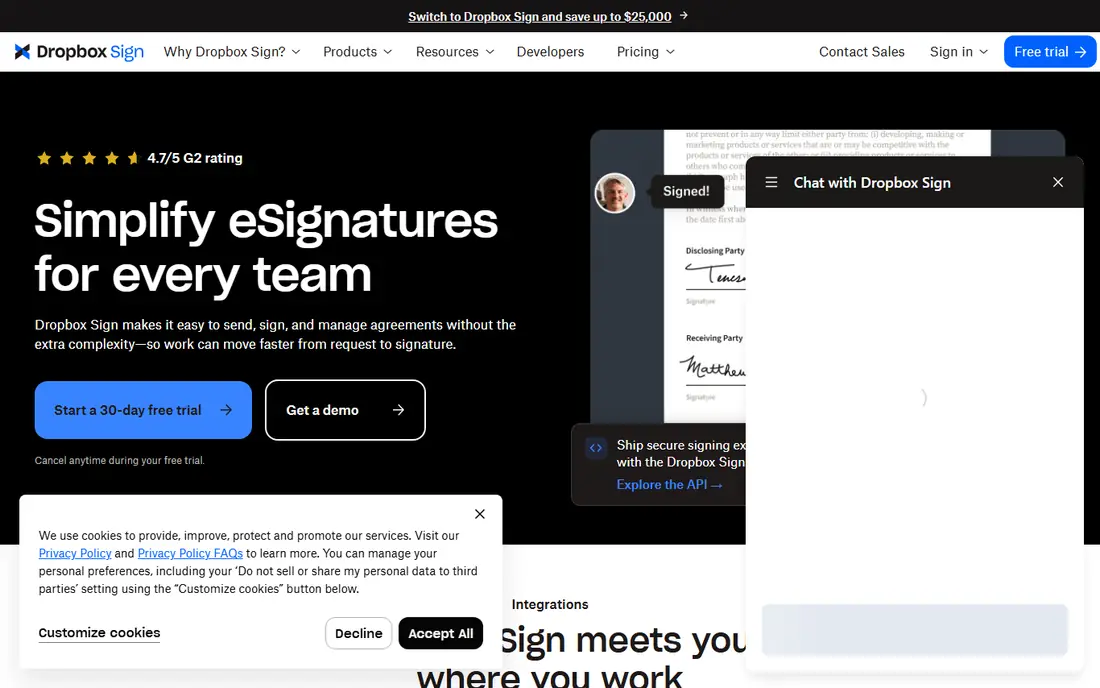
Dropbox Sign (formerly HelloSign) is the closest like-for-like swap for a small Docusign account. Its pricing page lists Essentials for one user at $15 per month on monthly billing, and showed $10.05 per month ($120.60 a year) on annual billing when we checked. Standard, for two or more users, is $25 per user per month monthly or $17.50 per user per month on annual billing.
The headline difference is that Dropbox Sign advertises unlimited signature requests with no overage fees. If you are tired of watching an envelope counter, that alone may justify the move. The company also lists SOC 2 Type II, ISO 27001, eIDAS and GDPR compliance, plus AES 256-bit encryption at rest.
The catch is that the page shows struck-through and discounted prices next to each other, which makes it hard to tell what you will pay after a promotional period. A free plan is linked from the pricing page, but its limits are not spelled out there, so check them inside the sign-up flow.
- Paid plans include unlimited signature requests
- 30-day free trial on paid plans
- SOC 2 Type II and ISO 27001 compliance listed
- The pricing page mixes list and discounted prices, so read the checkout total
- Premium team plan is quote-only
Adobe Acrobat Sign
Best for: companies already paying for Adobe Acrobat
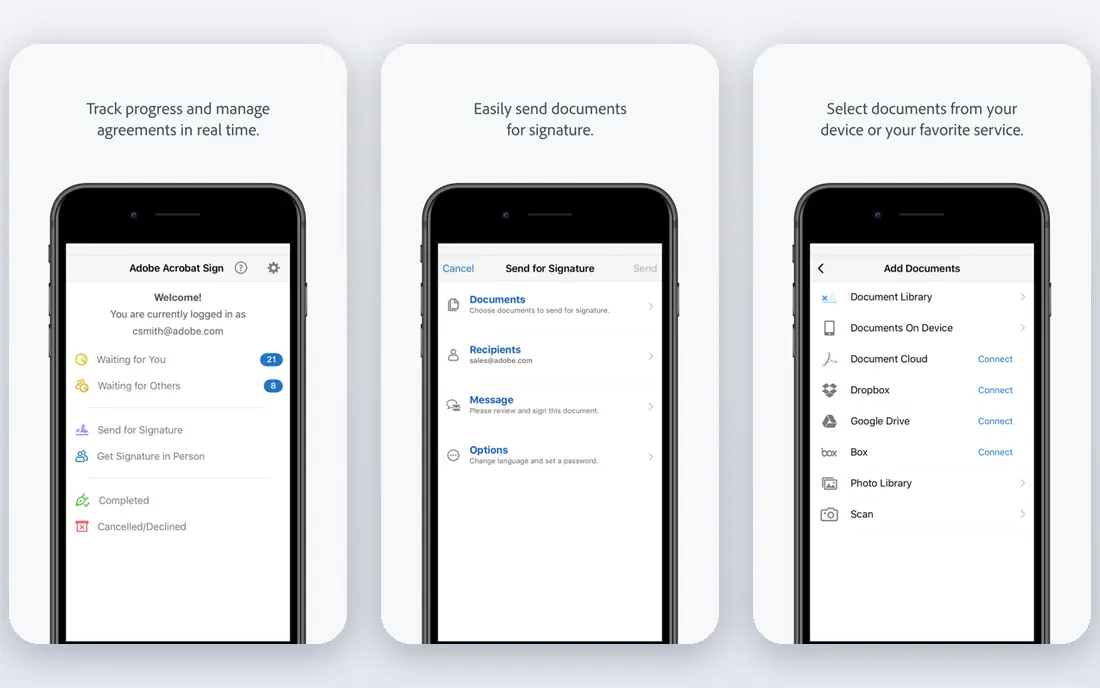
If your office already pays for Acrobat Pro or Standard, you may already own an e-signature tool and not know it. Adobe bundles sending for signature into those subscriptions, so for light use there is nothing extra to buy. Adobe states that individual and team Acrobat plans bought on adobe.com include unlimited transactions per user per year.
For heavier workflows, Adobe sells Acrobat Sign Solutions. Adobe's own page says those plans are priced by number of users or expected transactions and asks buyers to contact sales, so there is no public number to compare.
We like it for teams that live in PDFs. The honest weakness is the buying process: prices change by region, promotions come and go, and the business tiers need a sales call.
- E-signatures are built into Acrobat Standard and Pro
- Strong PDF editing in the same app
- Enterprise plans with integrations for Microsoft and Salesforce
- Acrobat Sign Solutions pricing is quote-only
- Plans generally require an annual commitment
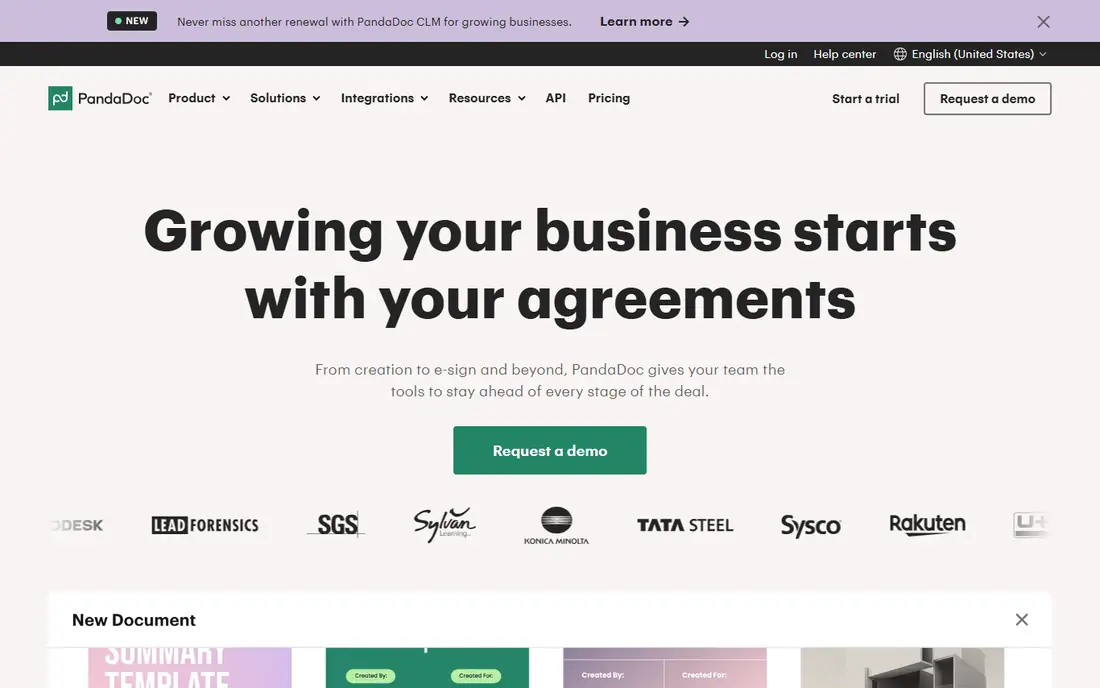
PandaDoc is less a Docusign clone and more a document workspace where signing is the last step. Sales teams use it to build a proposal, add a pricing table, send it and collect the signature without leaving the app. PandaDoc's pricing page lists Starter at $19 per user per month on annual billing, with a free trial.
There is also a free plan for basic signing. Its pricing page snippet showed a cap of 5 documents sent per month, while some outside guides quote a yearly figure, so confirm the current limit before you rely on it.
The weak point is cost at scale. Starter is priced per seat, and the features most sales teams want, like CRM integrations and approval workflows, sit on the higher Business plan. If you only need signatures, a cheaper tool on this list will do the job.
- Document builder with templates, pricing tables and quotes
- Free plan for basic e-signatures
- 14-day free trial of paid features
- Per-seat pricing gets expensive for teams
- The free plan has a low monthly sending cap
signNow, part of airSlate, competes mainly on price. Its own help center lists Business at $8 per user per month on annual billing, Business Premium at $15 and Enterprise at $30, with a custom Site License for high volume. Outside comparisons put monthly billing for Business noticeably higher, so the annual plan is where the savings are.
For a five-person team that sends a moderate number of contracts, the gap against Docusign Standard ($30 per user per month on an annual plan) is large. The interface covers what most people need: templates, reminders, signing order and a mobile app.
The catch is that subscriptions include a set number of signature invites per user per year, and going over costs extra. Plans also renew automatically, monthly or annually. Read the invite limit for your tier before you sign up, especially if your volume is seasonal.
- Lowest published per-user price we found
- Tiers for Business, Business Premium and Enterprise
- Bulk sending and templates on higher plans
- No permanent free plan
- Plans cap signature invites per user and charge for extra invites
SignWell keeps pricing easy to read. The free plan gives one sender, one template and 3 documents a month. Light costs $10 per month on annual billing or $12 monthly, with 5 templates and unlimited documents. Business is $30 per month annually or $36 monthly, includes 3 senders and unlimited templates, and extra senders cost $12 to $15 each.
That "unlimited documents" line is the reason it is on this list. A freelancer or a small agency can send as many contracts as they like for about $10 a month, which is less than Docusign Personal with its 5-envelope monthly cap.
The free plan is really a trial in disguise, since 3 documents a month runs out fast. It also has fewer advanced routing options than the enterprise players, which matters only if your contracts pass through several approvers.
- Unlimited documents on every paid plan
- Paid plans include SOC 2 Type II, HIPAA support and audit trails
- API with 25 free API documents per month
- The free plan allows only 3 documents a month and 1 template
- Business plan starts at 3 senders
Zoho Sign makes the most sense if your business already runs on Zoho CRM, Zoho Books or Zoho Workplace. Contracts can be sent from the records you already keep, and signed files land back where you need them. The free plan covers one user and 5 envelopes per month, with reminders, an audit trail and mobile apps.
Paid tiers step up from Standard (25 envelopes per user per month, approval workflows and an AI assistant) to Professional (unlimited envelopes and templates, branding and reports) and Enterprise (bulk send, in-person signing, payments and API access). Zoho says yearly billing saves 20 percent. The dollar prices did not render on the page we checked, so look them up in your currency.
The honest catch is the credit system. Some features, including SMS delivery and timestamping, draw from Zoho Sign credits, which adds a second thing to track on top of the envelope count.
- Free plan with 5 envelopes per month
- 14-day trial with Enterprise features and no credit card
- Deep links to Zoho CRM, Books and other Zoho apps
- Standard plan caps envelopes at 25 per user per month
- Extras like SMS delivery use paid credits
BoldSign comes from Syncfusion, a developer-tools company, and it shows in the strong API. For everyday users, the draw is the free Essentials plan, which BoldSign says lets individuals and micro-businesses request up to 25 envelopes per month at no cost. That is five times Docusign Personal's paid allowance.
Free accounts still get audit trails, signer authentication and automatic reminders, which are the features that make a signature defensible later. BoldSign also offers a discount for non-profits.
The weakness is pricing clarity. Outside guides quote different prices for the paid Growth and Business tiers, and the official page did not load fully for us, so check the current numbers before you plan a budget around them.
- Free plan sends up to 25 envelopes a month
- Audit trail, signer authentication and reminders on the free tier
- Developer API available
- Paid plan prices are hard to confirm and vary between sources
- Smaller brand than the market leaders
DocuSeal is the pick for businesses that want to own their signing system. The open-source edition is free to deploy on your own hardware, which keeps documents inside your infrastructure. That is attractive for privacy-minded firms and software companies that want to embed signing in their own product.
If you would rather not run a server, DocuSeal's cloud has a free Basic plan (multiple signers, 10 field types and 10 request emails per month) and a Pro plan at $20 per user per month. Pro adds unlimited signature requests, your own branding, reminders, bulk send from a spreadsheet, SSO and API access.
The trade-off is support and effort. Self-hosting means you handle updates, backups and email delivery yourself. For a non-technical small business, the cloud Pro plan is simpler but no cheaper than SignWell's flat pricing.
- Open-source version you can run on your own server for free
- Cloud Pro plan at $20 per user per month with unlimited requests
- API and embedded signing priced per completion
- The free cloud plan is limited to 10 request emails per month
- Self-hosting needs someone comfortable running a server
Jotform Sign suits people who already collect information with online forms, such as intake sheets, waivers and applications. You can turn a form or PDF into a signable document, collect payment in the same flow and store everything in one account.
Jotform's support pages say the free plan includes 10 signed documents per month, and the Bronze plan raises that to 100. Free documents carry Jotform branding, which goes away on any paid plan. Jotform does not offer a trial of paid plans, but the free tier lets you test every standard feature.
Where it falls short is in pure contract management. There is no deep approval routing or CRM-style tracking, so a sales team handling dozens of contracts a week will be happier with PandaDoc or signNow.
- Free Starter plan includes Jotform Sign
- Combines forms, payments and signatures in one account
- Large template library
- Free plan allows 10 signed documents a month with Jotform branding
- No free trial of paid plans
How we picked these
We compared the official pricing pages, plan limits and feature lists of each vendor in October 2026, along with their security and compliance pages. Where a vendor's page did not show prices, we used its help center or support pages, and we wrote "See website" when we could not confirm a figure from the vendor itself.
We did not run paid trials of every tool. Instead, we focused on what you can check before buying: how each one counts documents, what the free tier really allows, whether prices are public and which business sizes each tool targets. We also checked Docusign's own pricing page so the comparison has a clear baseline.
How to choose an e-signature tool that fits
Count your documents first
Before comparing anything else, count how many contracts you sent last year and how many people send them. Docusign Standard caps envelopes at 100 per user per year, so a busy user hits that limit quickly. If your volume is high or unpredictable, choose a plan that says "unlimited documents," like Dropbox Sign or SignWell.
Decide between per-user and flat pricing
Per-user pricing (PandaDoc, signNow, Zoho Sign) is fine for one or two senders but grows fast. Flat plans that include several senders, like SignWell Business, can be cheaper for small teams. Remember that the people who sign never need an account or a seat on any of these tools.
Check the legal and security basics
All of these tools provide an audit trail and tamper-evident documents. If you work in health care, look for HIPAA support. If you sign with clients in the EU, check eIDAS support and, for some contracts, qualified signatures.
Look at integrations you already use
The best tool is often the one that plugs into your current software. Zoho users should start with Zoho Sign, Dropbox users with Dropbox Sign and Acrobat subscribers with Adobe. Switching costs drop a lot when signed files land where your team already works.
Sources
- https://ecom.docusign.com/plans-and-pricing/esignature
- https://sign.dropbox.com/products/dropbox-sign/pricing
- https://www.adobe.com/acrobat/business/sign.html
- https://www.adobe.com/mt/sign/pricing/plans.html
- https://www.pandadoc.com/pricing/
- https://helpcenter.signnow.com/en/articles/13258230-pricing-billing
- https://www.signwell.com/pricing/
- https://www.zoho.com/sign/pricing.html
- https://boldsign.com/pricing/
- https://www.docuseal.com/pricing
- https://www.jotform.com/products/sign/pricing/
- https://www.jotform.com/answers/40481391-plan-selection-best-option-and-signature-limits-for-school-use